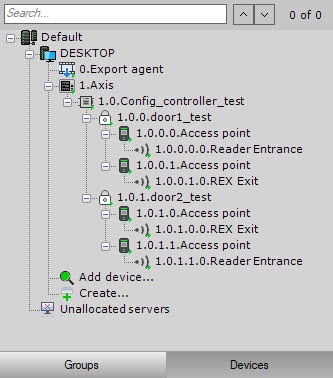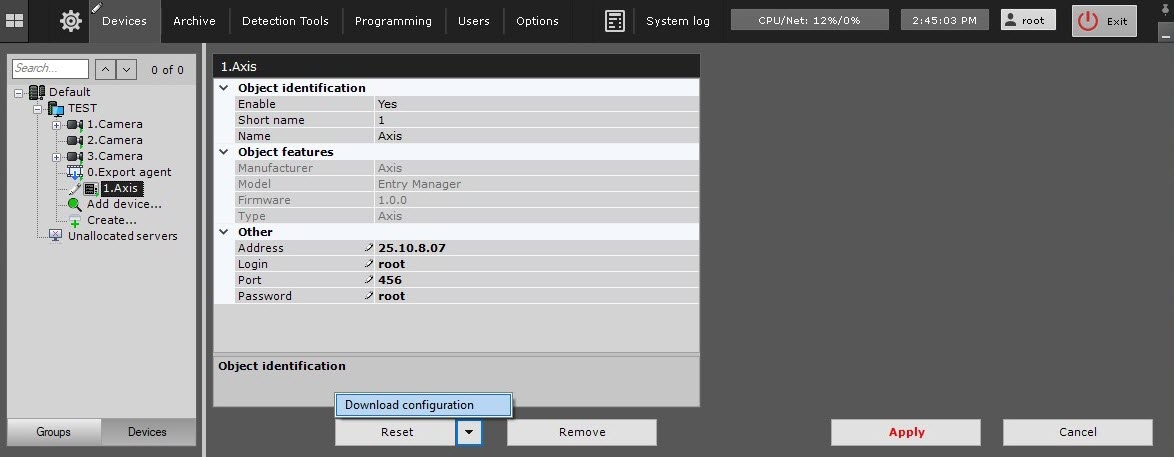
 button and select Download configuration from the drop-down list to automatically download the configuration and build the hardware tree.
To configure the object of the Axis integration module, do the following:
button and select Download configuration from the drop-down list to automatically download the configuration and build the hardware tree.Configuration of the Axis integration module is complete. As a result, a hardware tree will be built.