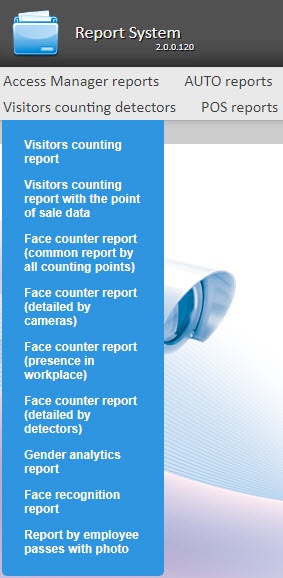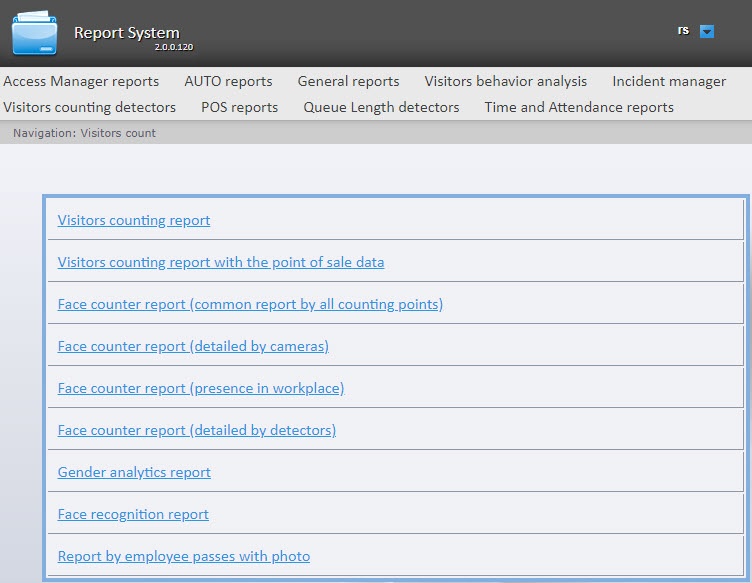
To select the type of visitors counting detectors reports, click the Visitors counting detectors link in the report menu of the WEB Report System PSIM.
As a result, the list of available reports is displayed. To go to the required report, click the corresponding link.
A list of links to go to the visitors counting detectors reports is also available when you hover over the Visitors counting detectors link in the report menu.