To work with the RR channel of the Traffic analysis module, you must select analytics that are included in the SDK. To do this, do the following:
- Go to the settings panel of the RR channel object.
- Select the required analytics for the SDK by moving them from the Available to the Selected events list using the navigation buttons.
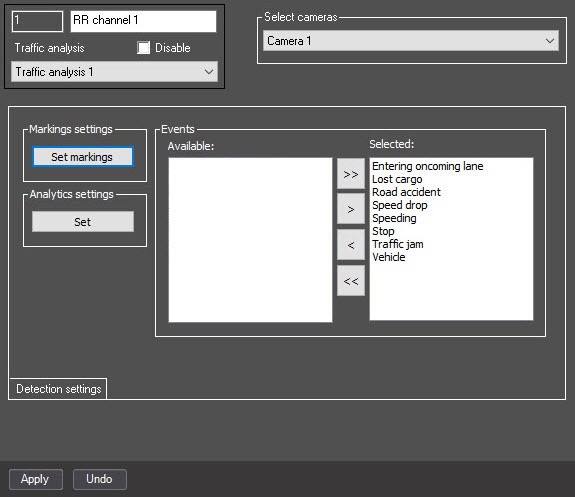
- Click the Apply button to save the settings.
Selecting analytics for the SDK is complete.