- A single letter, service character, or digit.
- Key combinations using Ctrl, Shift, or Alt along with any letter, digit, or service character.
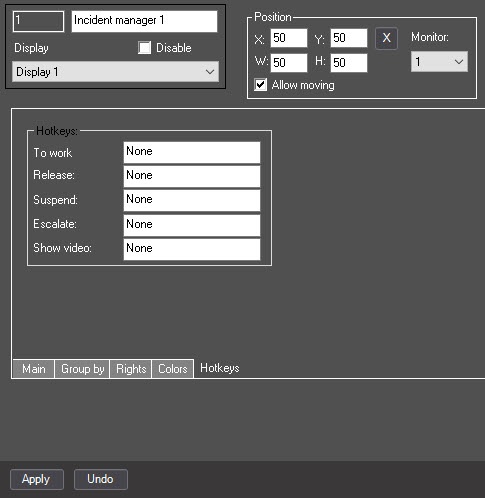
Hotkeys (or key combinations) allow performing frequently used actions without using a mouse.
To assign hotkeys (key combinations), do the following:
Assigning hotkeys is complete.