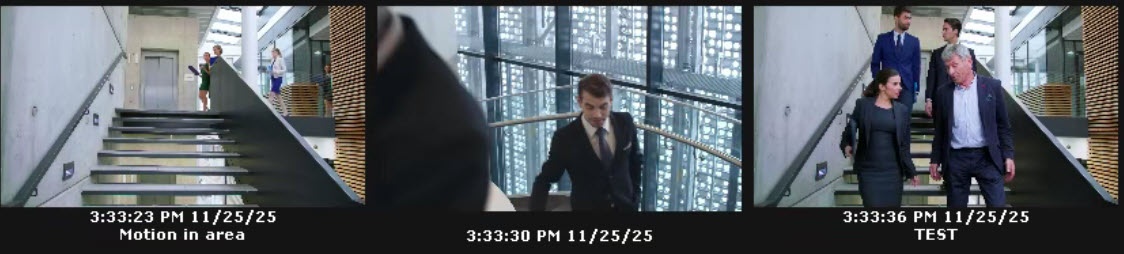
Open the required layout (see Selection and Slideshow of Layouts).
 button.
| Criterion | Value | Description |
|---|---|---|
| Bookmarks search | ||
| Enter text: | Enter the bookmark comment fully or partially. To display all bookmarks with comments, enter the * value | |
 button. The search process by the specified criterion starts.
 button, which replaces the button that starts the search process.