You must create detectors for the analytics channel beforehand (for more details, see Embedded detectors). |
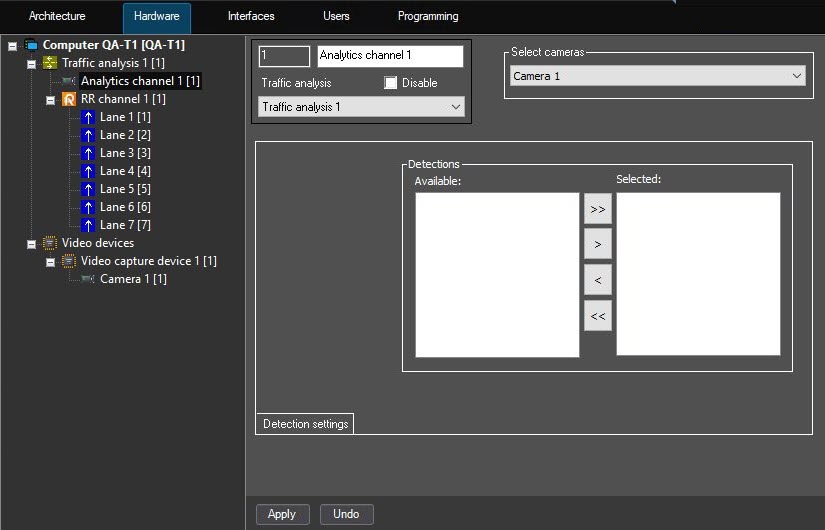
The Analytics channel is the system object that is responsible for accepting, processing, and storing the camera events.
To work with the Traffic analysis module, use the Analytics channel system object. To configure it, do the following:
You must create detectors for the analytics channel beforehand (for more details, see Embedded detectors). |
Creating and configuring the analytics channel is complete.