 button → the Devices tab → the Groups tab.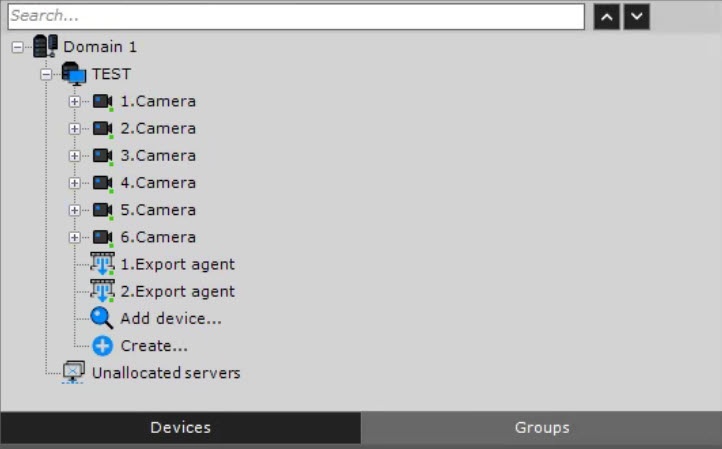
Manual grouping of cameras is used for configuring the group access rights and quick selection of the required camera for display. The hardware grouping settings are available for the users with the appropriate access level settings (see Roles).
To switch to configuring the group of cameras, click the Configuration management button → the Devices tab → the Groups tab.
To configure the group of cameras, do the following: