 button next to the domain name.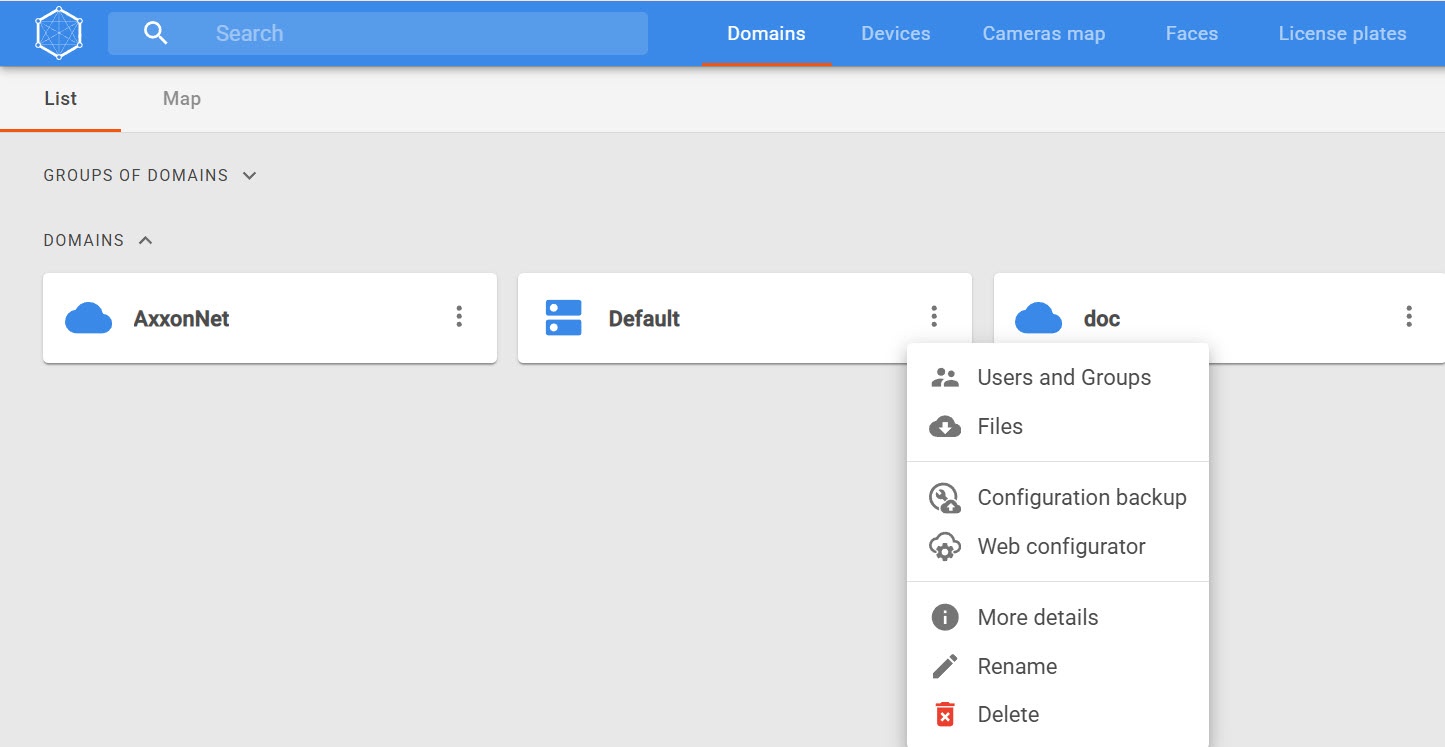
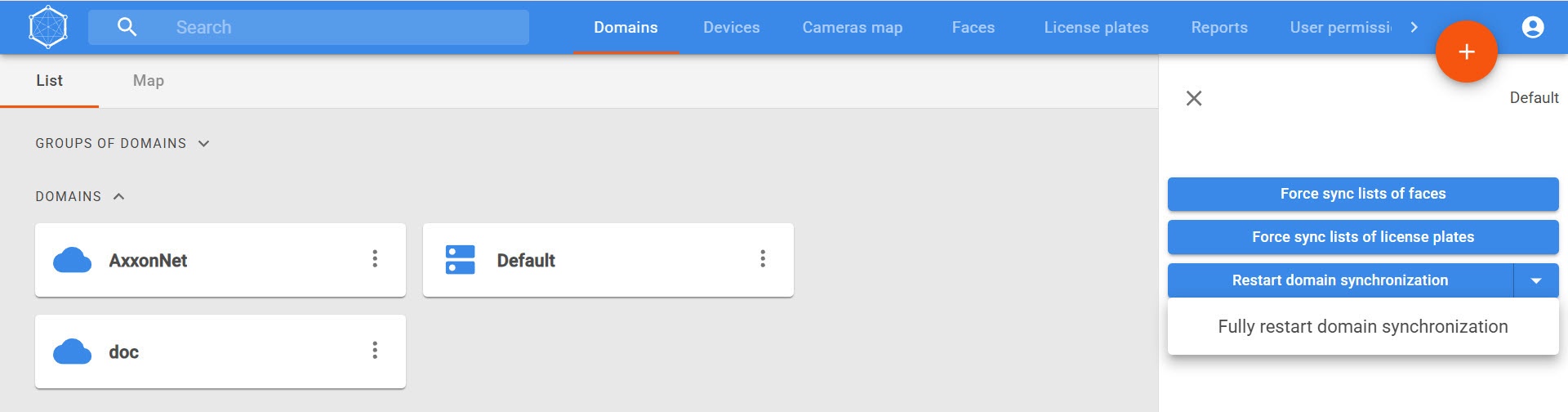
| Button | Description |
|---|---|
Force sync lists of faces | Initiates a resynchronization of lists of faces between Axxon Datacenter and Axxon One. This operation resets the data of current lists and then reloads them from Axxon Datacenter. You can use this button in cases when list synchronization was performed incorrectly (for example, not all lists were loaded into the system) |
| Force sync lists of license plates | Initiates a resynchronization of lists of license plates between Axxon Datacenter and Axxon One. Synchronization is performed once again. All lists from Axxon Datacenter are loaded again. You can use this button in cases when list synchronization was performed incorrectly (for example, not all lists were loaded into the system) |
| Restart domain synchronization | Restarts domain synchronization without a complete state reset. Initiates the reconnection to the domain and updates data between all connected systems. Recommended for partial synchronization failures (for example, if not all roles or entities were synchronized) |
| Fully restart domain synchronization | Initiates a complete reset of domain synchronization. The connection to the domain is reestablished, after which all associated systems and data undergo a full resynchronization. Recommended for use in cases of severe or repeated synchronization errors |