On the Domains tab, click  next to the required domain.
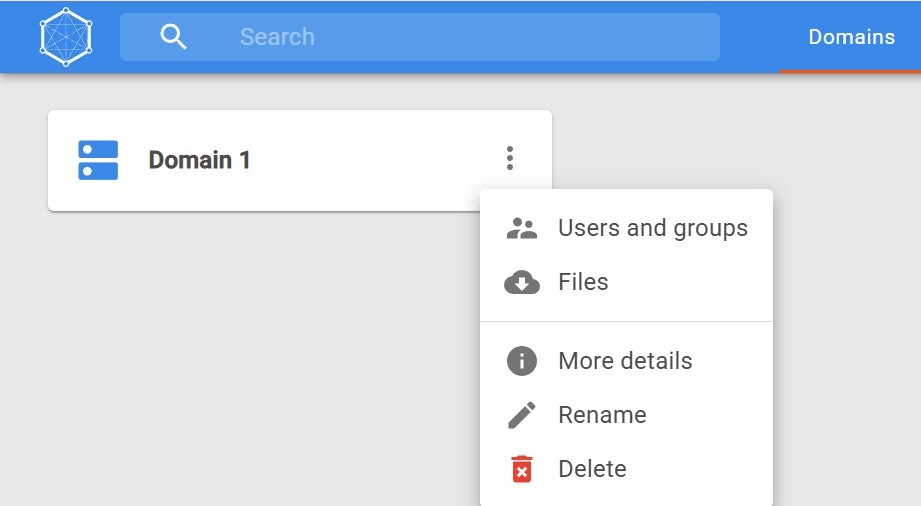
The Files tab opens with a list of exported files:
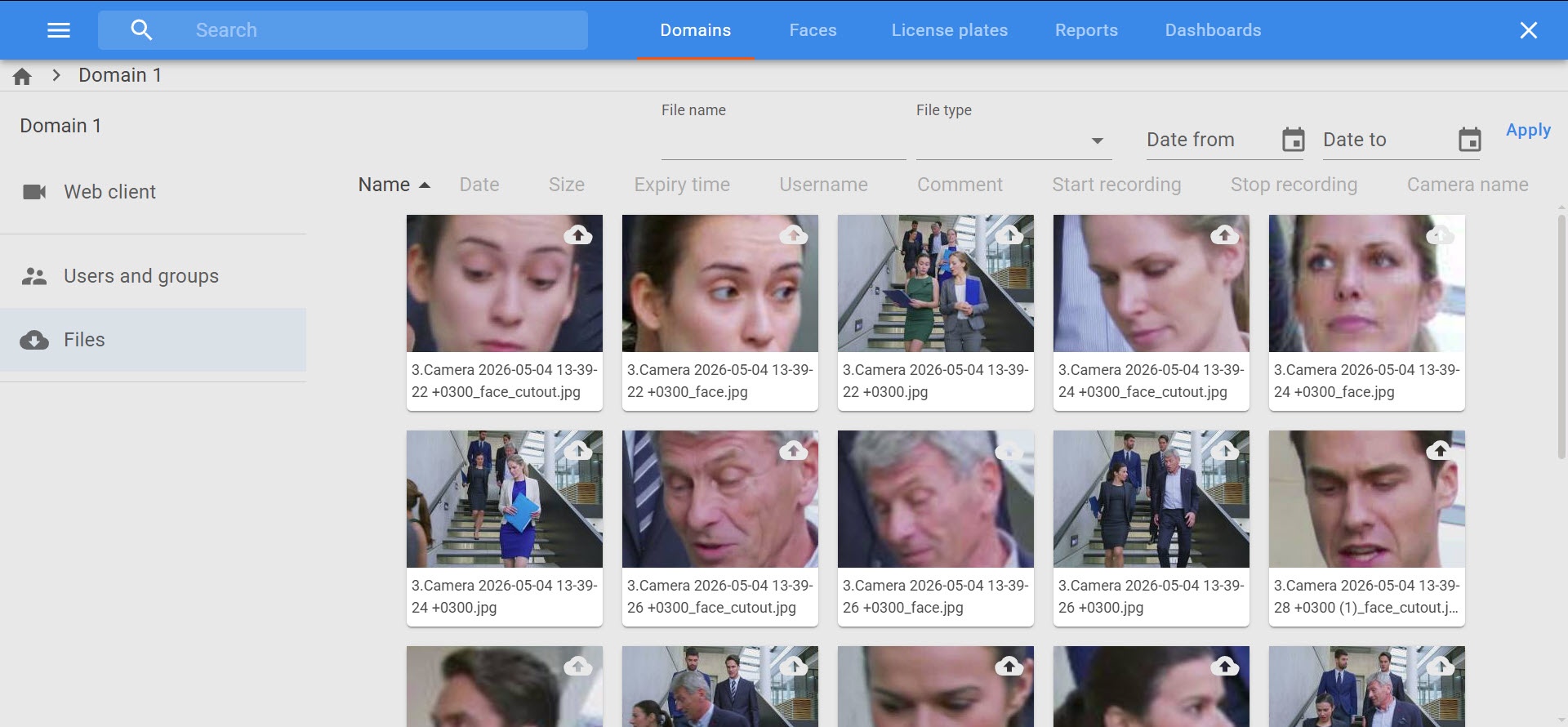
The Files tab is designed to display the actions generated as a result of executing macros in Axxon One.
To display actions on the Files tab, you must first complete the following steps:
The resulting macro actions are displayed on the Files tab as records containing information about the recorded event.
By default, each user can upload up to 1 GB of images/videos per day and up to 30 GB per month. The quota is regulated by the system administrator. When the limit is reached, a corresponding message is displayed. |
To view exported files:
On the Domains tab, click next to the required domain.
On the Files tab, you can:
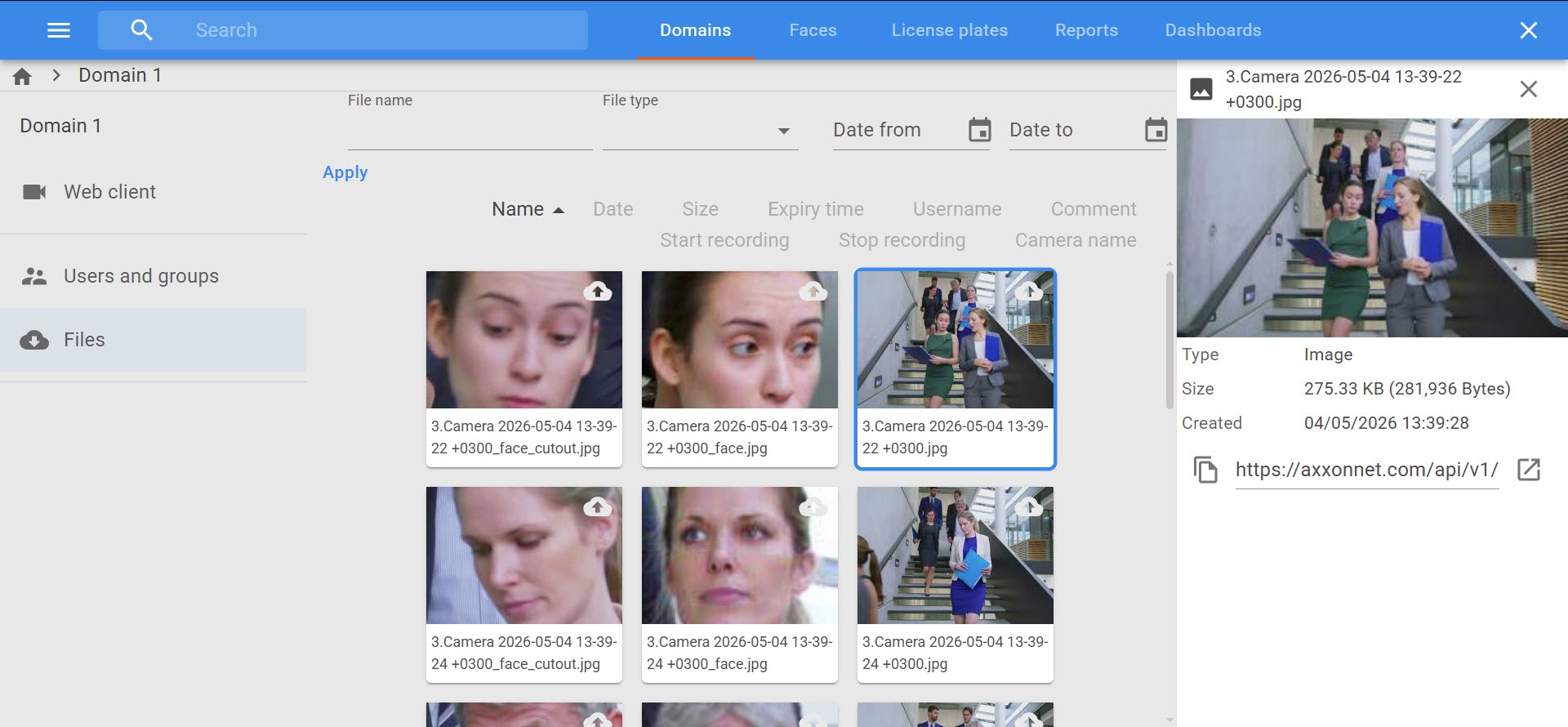
You can view exported files in MP4, JPG, and PDF formats only in the AxxonData interface. For MKV and AVI files, a download link is provided. |
Copy a direct link to the exported file. To do this, open the file details and click the  button in the lower left corner. The link is copied to the clipboard.
Open the exported file in a new tab. To do this, open the file details and click the  button in the lower right corner. MP4, JPG, and PDF files open in a new tab. MKV and AVI files are downloaded.
Delete the exported file:
 button in the lower right corner.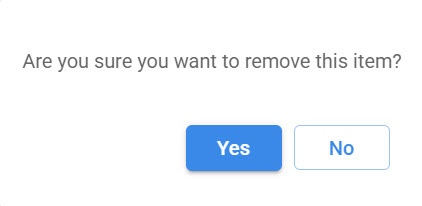
The file is deleted from AxxonData.
 checkbox in the upper left corner of the exported file windows. To deselect a file, clear the checkbox.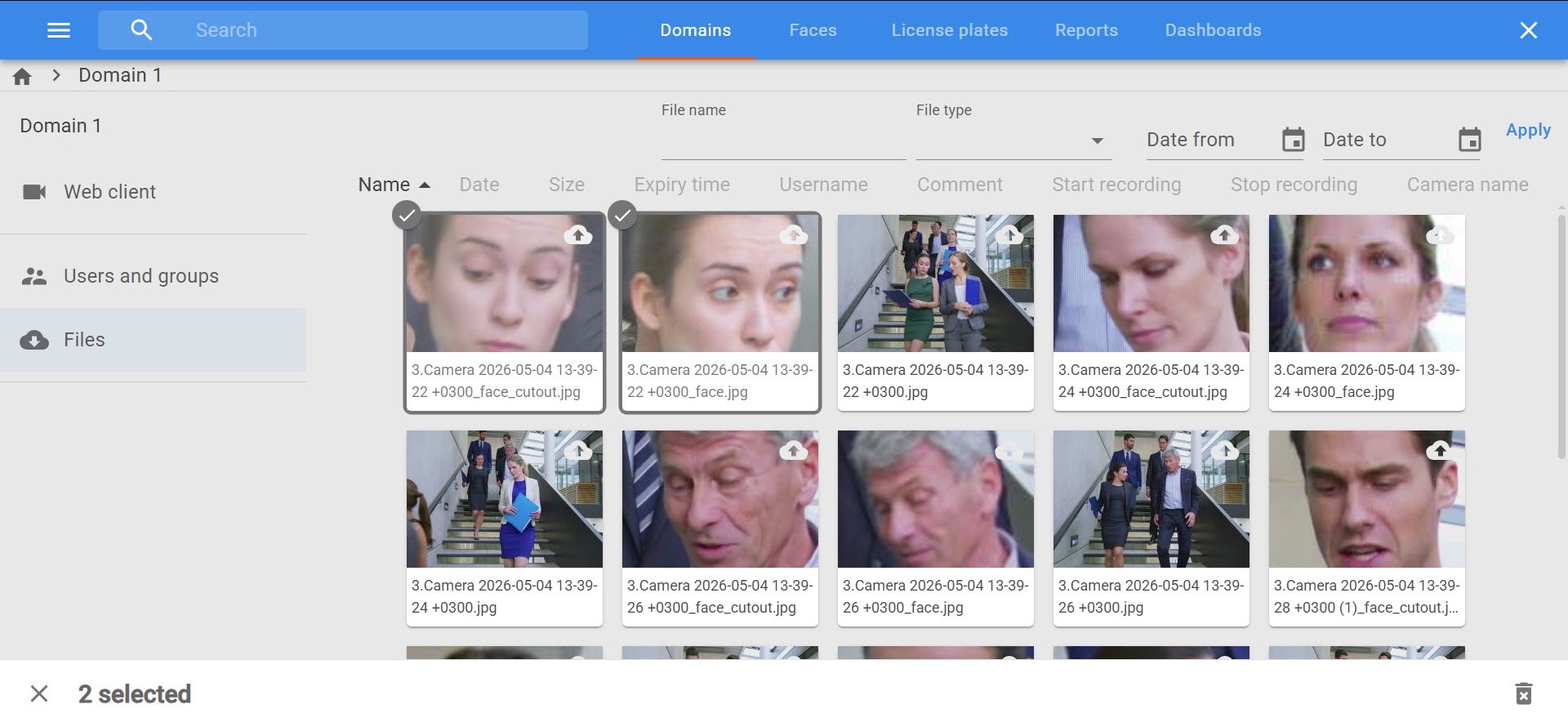
Click the button in the lower right corner. To deselect files, click the  button in the lower left corner.