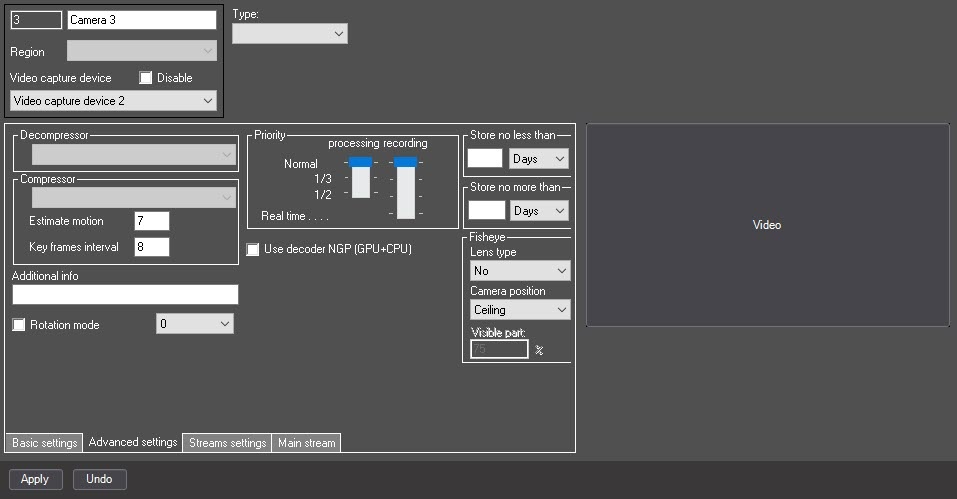
Set the Use decoder NGP (GPU+CPU) checkbox to enable the asynchronous hardware decoder NGP (GPU+CPU). Video decoding will be performed by the GPU, reducing the load on the CPU (for more information about the asynchronous hardware decoder, see Asynchronous hardware decoder NGP).