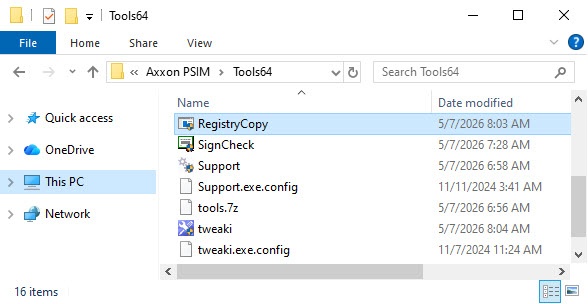
The RegistryCopy.exe utility is used to copy the parameters of the registry from the x86 branch to the x64 branch after you update Axxon PSIM from version 1.0.0 to 2.0 (for more information, see Axxon PSIM update).
Start and exit the utility
You can start the RegistryCopy.exe utility from the Tools64 folder located in the Axxon PSIM installation directory. Example: C:\Program Files\Axxon PSIM\Tools64\RegistryCopy.exe. The utility stops its operation automatically.
Working with the RegistryCopy.exe utility
Run the RegistryCopy.exe utility from the Tools64 folder.
After that, registry parameters are copied from the x86 branch to the x64 branch.
As a result, standard keys are moved to the new branch with updated values, while custom keys are copied from the old branch unchanged.