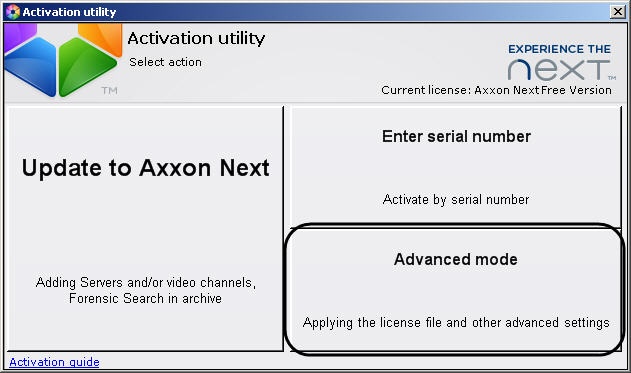
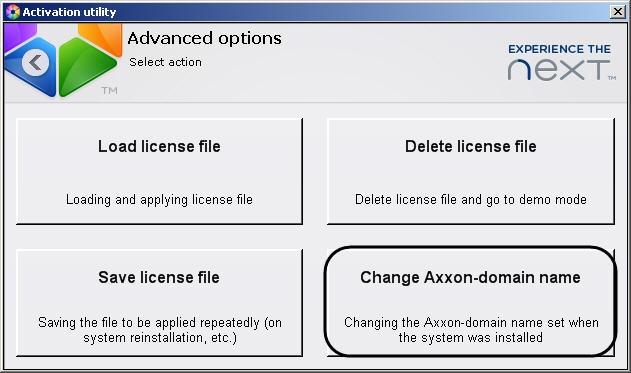
Specify the new Axxon-domain name and click OK.
| The Axxon-domain name may only consist of letters-numeric characters and a dash (-). The dash not be the first or last character in the name. |
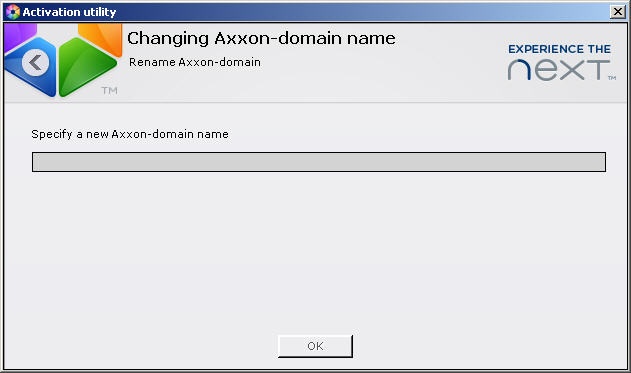
To change the Axxon-domain name from that given during the system installation, follow these steps:
Specify the new Axxon-domain name and click OK.
| The Axxon-domain name may only consist of letters-numeric characters and a dash (-). The dash not be the first or last character in the name. |
If successful a message will appear.
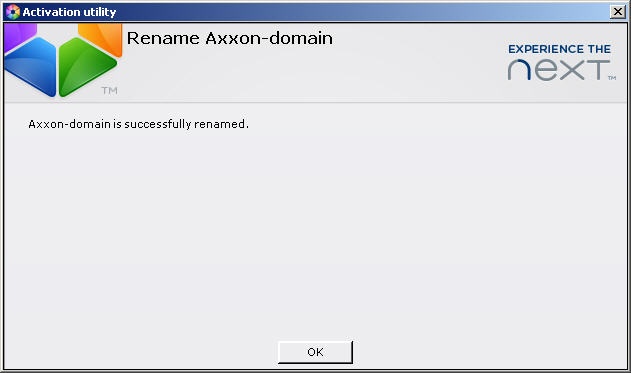
To return to the license utility home screen, click OK. To exit from the utility, click .