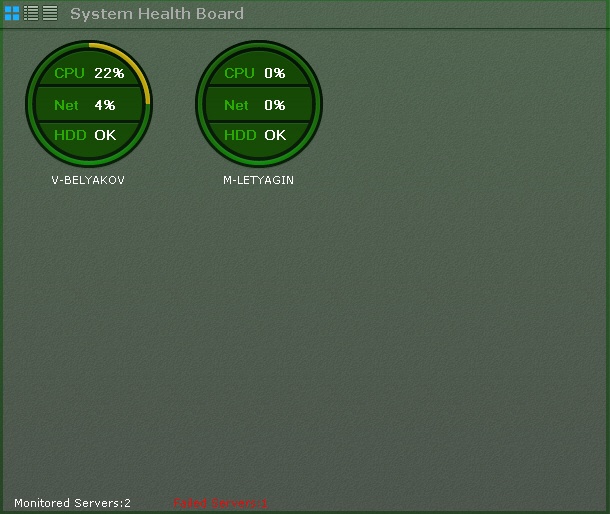
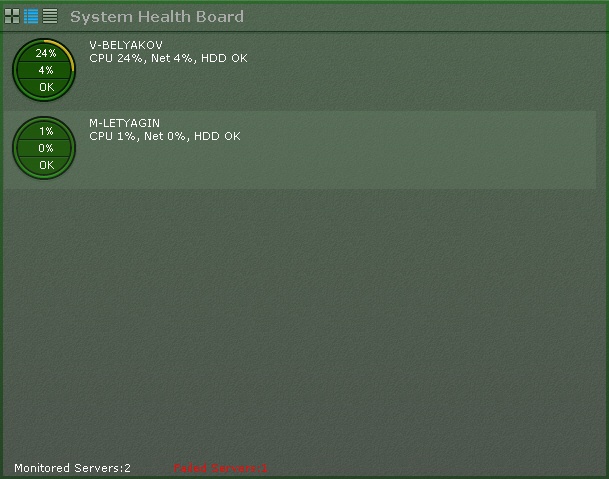
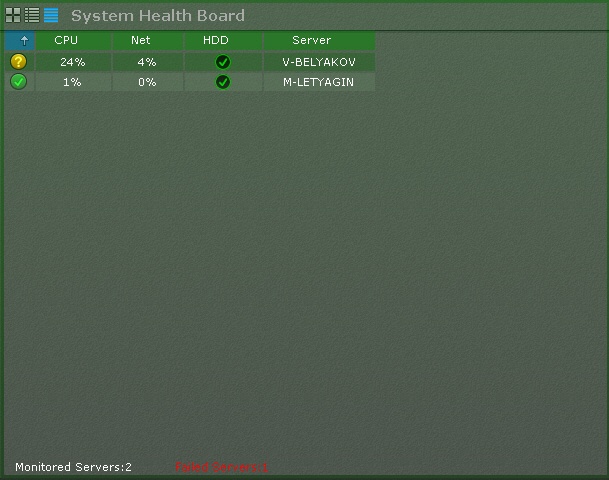
Information about the status of servers can be displayed in three ways, chosen via the buttons in the upper-left corner of the board:
Tables can be sorted by any column in any direction.
The following components are monitored for each server; CPU load, network use, and status of the hard disk subsystem.
Areas of the diagram change color based on the respective status.
| CPU | Network | HDD |
Red | Load >95% | Connection failure | 10% to 100% loss |
Yellow | Load from 85% to 94% | At 70% to 100% of capacity | 1% to 10% loss |
Green | Load <85% | At less than 70% of capacity | Less than 1% lost |
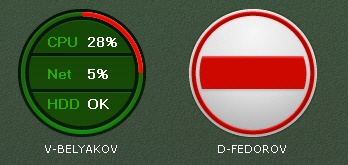
The edge of the diagram changes color based on the status of the connected cameras (see XXX).
If the entire edge is green, all cameras are in normal condition. If part of the edge is yellow or red, some cameras have borderline or critical status.
Overall server status is determined from the above parameters as follows:
Server information is updated every ten seconds.
If the connection to a server is lost, a corresponding icon is used to depict it.
If all servers are in normal condition, the bottom of the board displays a status bar with information about the number of monitored and offline servers.

If the status of any server worsens, the status bar is replaced by a message. When the message is clicked, the server status is displayed (if the board is currently displaying camera status).

The message then closes and the status bar again appears.
If the status of several servers worsens, a message is shown for the last one. |