button. A dialog box opens for entering a comment.
To add a comment, click the button. A dialog box opens for entering a comment.
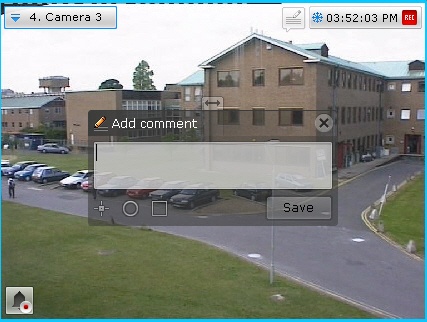
The number of characters in the comment is limited.
The following parameters can be configured:
 slider from left to right (from opaque to maximum transparency).
 ), semicircle (
 ), or rectangle (
 ). To do so: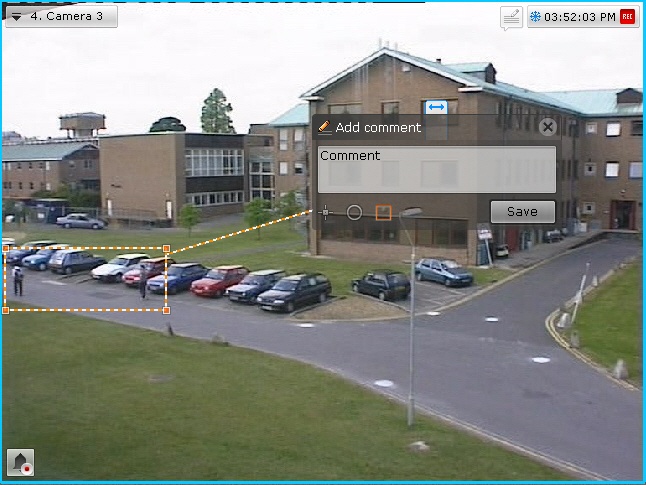
To save the comment, click the Save button. Otherwise, click  to cancel.
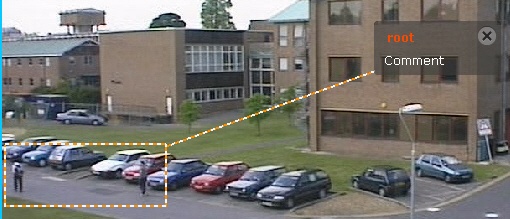
After being saved, a comment is displayed in the frame as specified. To delete the comment, before you perform any other command in the system, click the button..
Requirement for comments when classifying alarms in Alarm Management mode.