
Go to documentation repository


Search in archive is used to quickly search for the required moments in the archive.
Note
- If a camera isn't bound to the video archive, the given tab is unavailable.
- If the surveillance window is inactive in the live mode, the tabs for switching to other modes aren't displayed. In this case, to display tabs, click the surveillance window using any mouse button.
To switch to the Search in archive, do the following:
- Select the required layout on the layout panel (see Configuring layouts).
- Select the required camera.
- Click the Search button located in the lower right corner of the surveillance window.
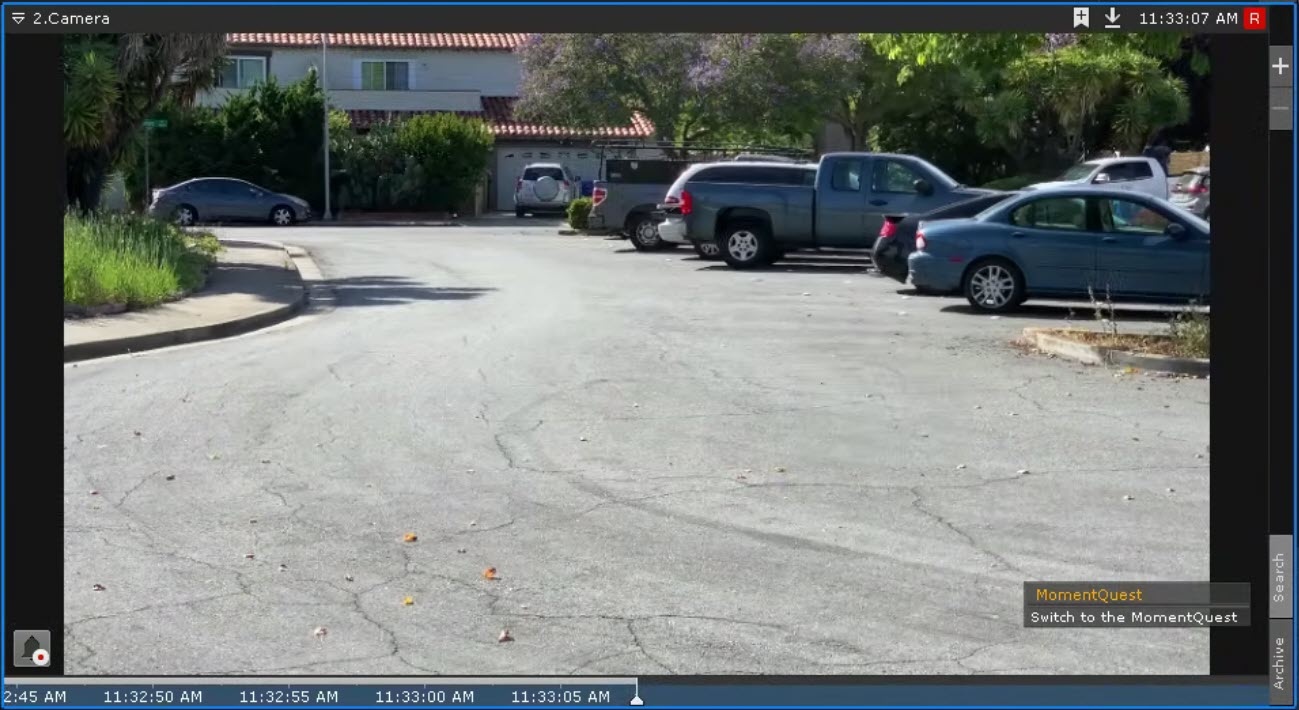
Or use the Search in archive  button located on the top panel.
As a result, the interface of the archive analysis mode is displayed.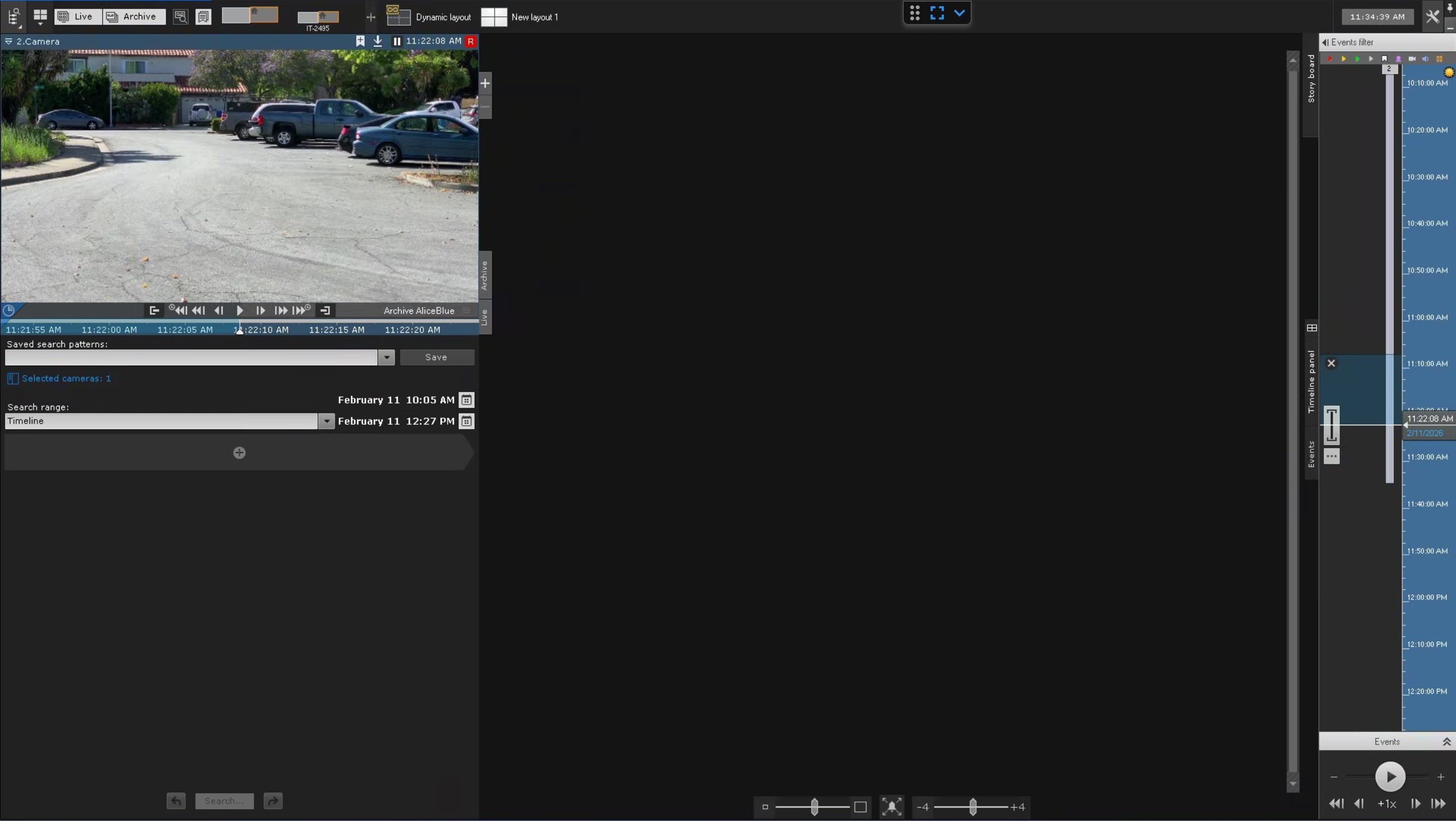
Overview
Content Tools