
Go to documentation repository
Documentation for Axxon One 2.0 version. Documentation for Axxon One 3.0 version is also available.

By default, the camera short name is displayed in the surveillance window (see Camera).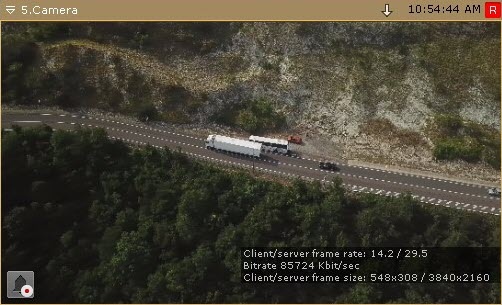
To disable displaying the short name, do as follows:
- Go to Settings → Options (1) → User Interface (2).
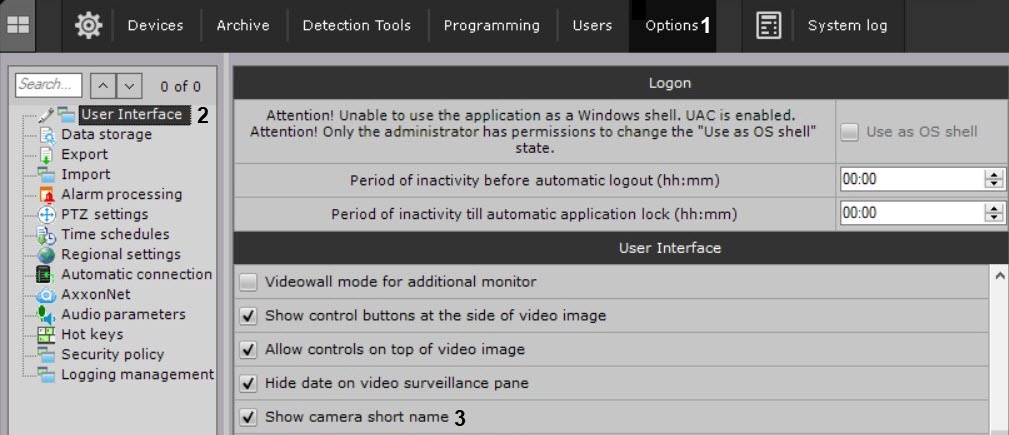
- Clear the Show camera short name checkbox (3).
- Click the Apply button.
- Reopen the layout (see Layouts management).
The camera short name display is disabled.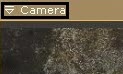
Overview
Content Tools