
Go to documentation repository
Previous page Next page
All events that Auto Axxon PSIM receives from Traffic Detection are saved in the SQL database. The database may soon become of considerable size which increases the CPU load. To limit the database size, the events storage period can be set up for the database. This is called the archive depth.
To set up the archive depth, do the following:
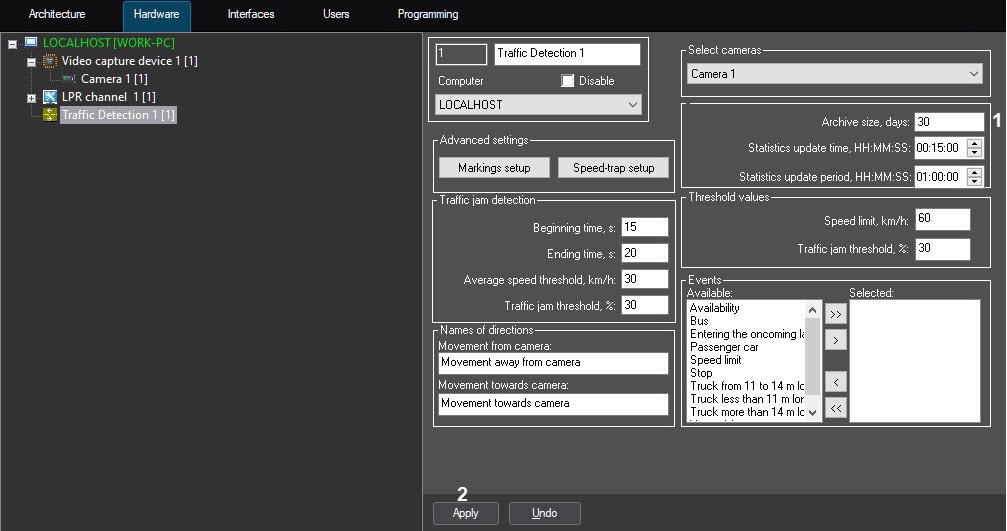
Archive depth is now set.

