
Go to documentation repository

Documentation for Axxon PSIM 2.0. Documentation for other versions of Axxon PSIM is available too.
Previous page Next page

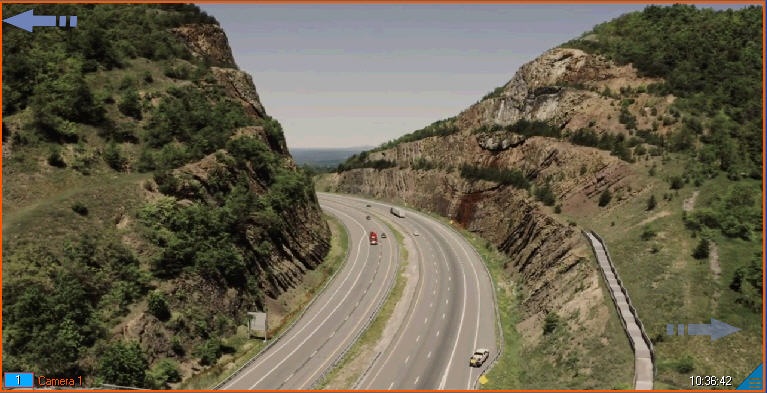
The Button object can be attached to any camera added to the video surveillance monitor. The button is displayed in the surveillance window over the video from the camera. The actions when you click such a button are the following:
Switching to another camera. If only one surveillance window is displayed on the monitor (a one-fold layout), then when you click the button in the current surveillance window, the camera changes and the video from it is displayed. If there is more than one surveillance window in the monitor (multiple-fold layout), the videos from the current camera and the camera specified in the button settings will swap.
Running a macro: when you click the button, the macro specified in the button settings starts running.
The button can also perform no actions. The appearance of the button and the specified action depend on its settings (see Configuration of a button to display in the video surveillance monitor). The number of buttons is unlimited.
Example of displaying two buttons:
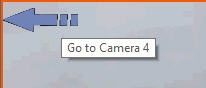
If you hover the mouse pointer over the button, a tooltip (caption of the button configured by the settings) is displayed:
Overview
Content Tools