

Previous page Next page

Starting with Axxon Datacenter 3.17, you can select the language of the user interface. To do this:
Register or sign in to Axxon Datacenter (see Registration, authorization, password recovery and change).
- On the Domains tab, click the
 button in the upper right corner.
 - In the window that opens, click the
 button.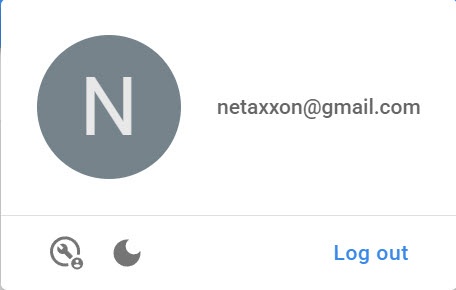
- In the window that opens, go to the General tab.
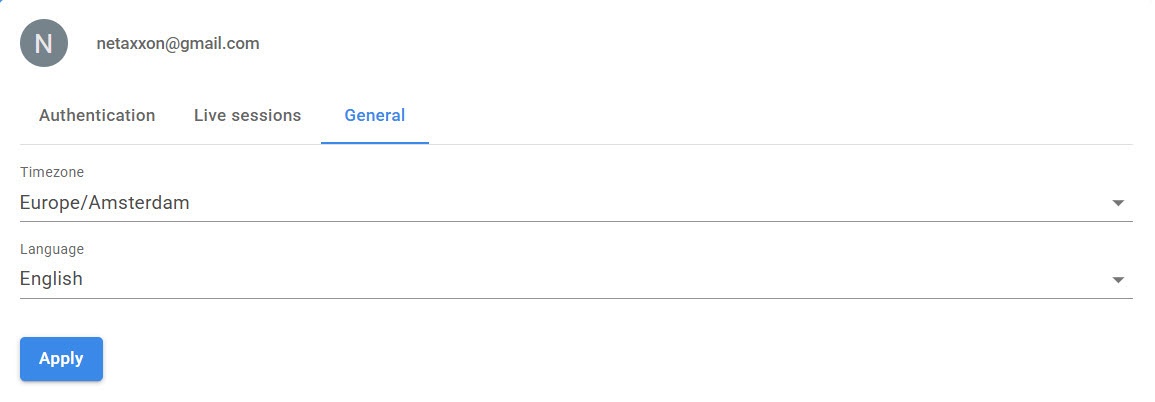
If necessary, change the time zone by selecting the required value from the Timezone drop-down list.
From the Language drop-down list, select the interface language.
Click the Apply button.
Selection of the interface language is complete.
Overview
Content Tools