
Go to documentation repository
Documentation for Axxon One 2.0 version. Documentation for Axxon One 3.0 version is also available.

To delete a schedule, complete the following steps:
- Go to the list of schedules (under Settings → Options → Time Schedules).
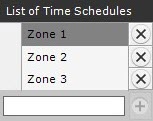
- Click
 beside the schedule that you want to delete.
 - Click the Apply button.
Deletion of a schedule is now complete.
Overview
Content Tools