
Go to documentation repository

Documentation for Axxon PSIM 2.0. Documentation for other versions of Axxon PSIM is available too.
Previous page Next page

To start the video surveillance monitor of the web server, enter the IP address of the corresponding server in the browser address bar and press Enter.
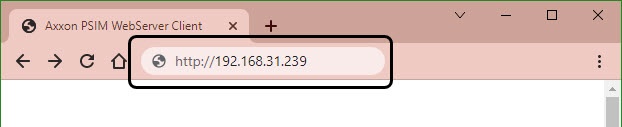
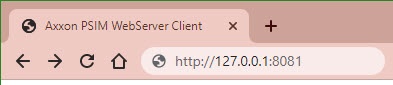
If you changed the default value of the HTTP server port when configuring the Web server object, to connect to the web server, you will need to enter the IP address and the specified port number separated by a colon. See Parameters of connecting clients to the Web-server.
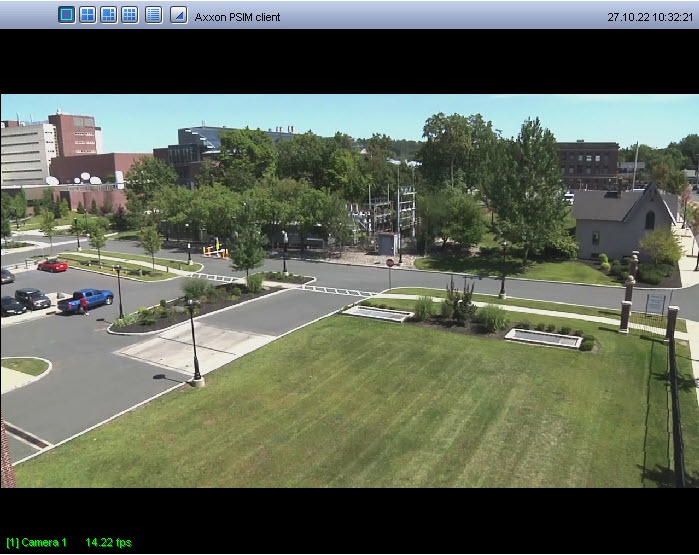
The interface of the video surveillance monitor for the given web server will be downloaded in a few minutes.
Note
Remote access to the web server can be restricted due to certain settings. In this case, a login and user password will be required to access the web server. Depending on the user rights configured in Axxon PSIM, the login/password can be as follows:
- The login and password assigned to the user when adding the user to the user rights.
- The login and password of the Windows user outside the domain. In this case, the username is entered in the \\COMPUTER-NAME\ format. For example, \\USER-COMP\
- The login and password of the Windows user within the domain. In this case, the username is entered in the \\DOMAIN-NAME\user_name format. For example, \\DOMAIN\user.name. You can also enter a username without specifying the domain, for example, user.name.
Overview
Content Tools