
Go to documentation repository


You can change the department hierarchy using the following operations:
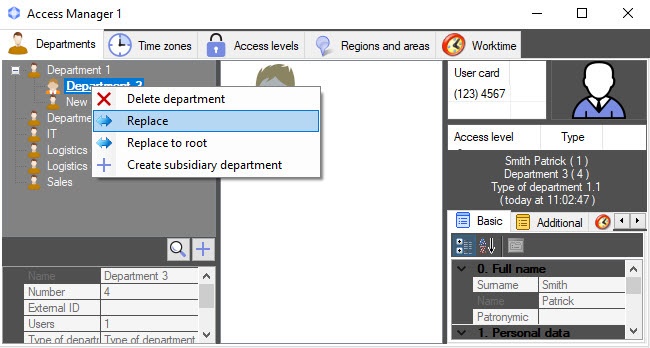
- Changing the parent department. Right-click the department name in the department tree and select the Replace item in the function menu. As a result, the Search for department window will open to select a new parent department (see Working with the Search for department window).
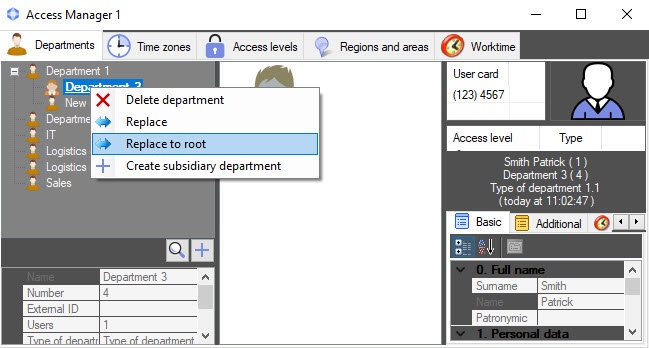
- Replacing the subsidiary department at the root of the hierarchy. Right-click the department name in the departments tree and select the Replace to root item in the function menu. As a result, the department will be replaced at the root of the department hierarchy.
Change the department location in the hierarchy by dragging it with the left mouse button while holding down the Ctrl key.
Note
Subsidiary departments are replaced with their parent department in the hierarchy.
Overview
Content Tools