
Go to documentation repository


To connect the Axxon One domain to AxxonNet, you must:
- Have access to the internet.
- Open ports 80 and 443.
- Allow access of incoming and outgoing traffic to the https://axxonnet.com/ website if the server has limited internet access.
- Log in to AxxonNet https://axxonnet.com/ (see Registration, authorization, password recovery and change in AxxonNet).
- Click the
 button in the upper right corner on the Domains tab.
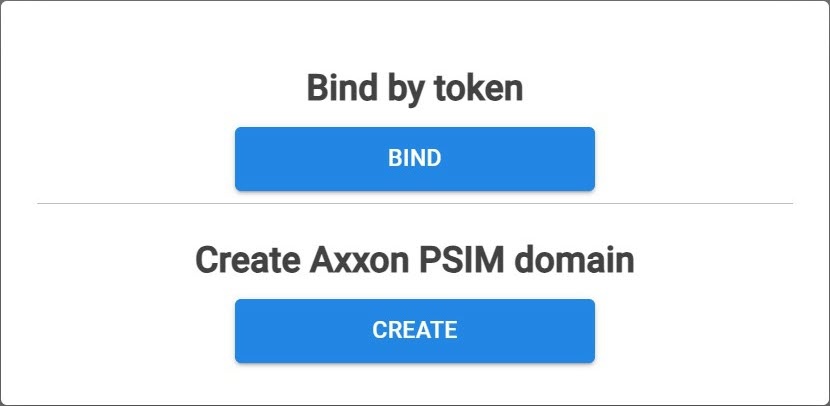
 - Click the BIND button.
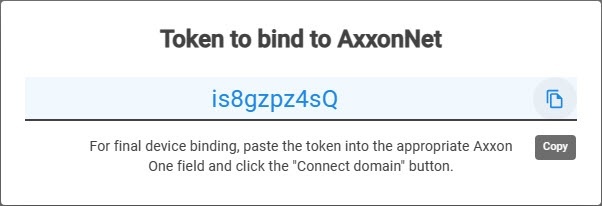
- Copy the token to bind to the Axxon One domain.
- In Axxon One, go to the Settings tab→ the Options tab → AxxonNet.
- Specify the required settings listed in the table:
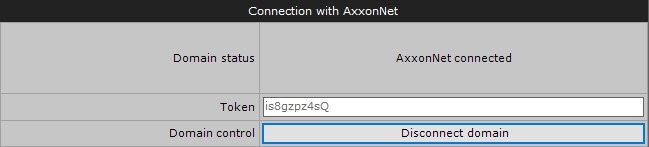
Parameter Value Description Connection with AxxonNet Domain status Domain status os displayed Token Paste the copied token to bind to AxxonNet Domain control https://axxonnet.com/ Cloud URL Enter the URL of the cloud solution Proxy-server type None The default value is None. Select the required value from the drop-down list Http Https Socks5 IP address Enter the IP address of the cloud service to which you want to connect Username Enter the username to connect to the proxy server Password Enter the password to connect to the proxy server - Click the Connect domain button.
If the connection is successful, the status in Axxon One changes to AxxonNet connected. To disconnect the domain from AxxonNet, click the Disconnect domain button.
If several domains with identical names are connected to AxxonNet, a sequential number is added to each of the names listed on the Domains tab. If there is no connection with the server, the domain is highlighted in red color.

Overview
Content Tools