
Go to documentation repository

Documentation for Axxon PSIM 2.0. Documentation for other versions of Axxon PSIM is available too.
Previous page Next page

You can view the video of an event and outline the object that generated the event on the map.
To view the video, do the following:
- Right-click an event in the table.
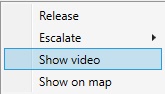
- Select Show video.
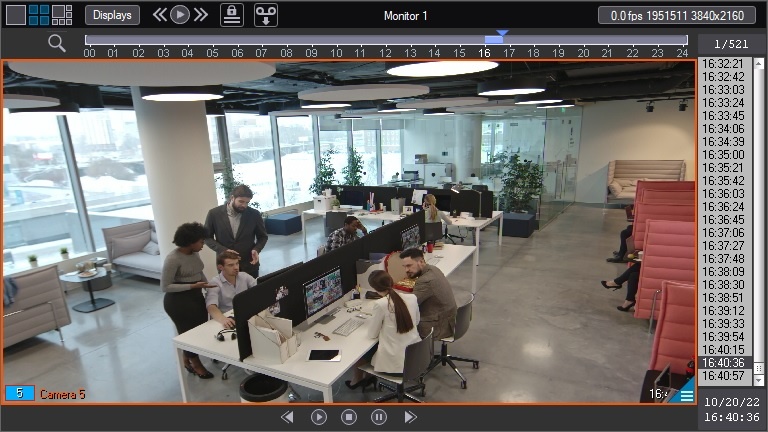
As a result, a window for viewing the video archive opens:
To outline an object on the map, do the following:
- Right-click an event in the table.
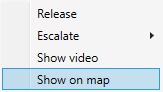
Select Show on map.
Note
If the incident manager is not linked with the map in the settings, then this item isn't available (see Configuring the main parameters of the Incident manager object).
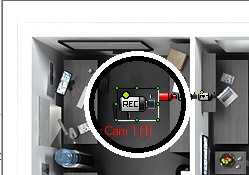
As a result, the object is briefly outlined on the map.
Overview
Content Tools