
Go to documentation repository
Previous page Next page
To configure user access to POS reports, do the following:
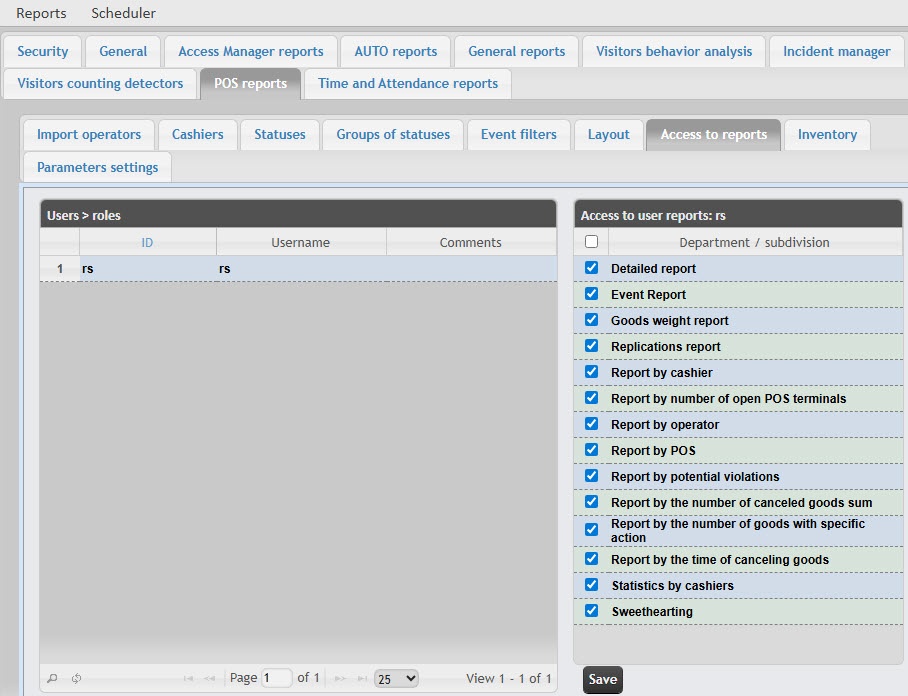
In the Users table, select the user for whom you want to configure the access.
Note
The user must have a role with the right to perform the POS operator and/or POS expert operations. For details on role configuration, see Set up roles.
Setting up user access to POS reports is complete.

