
Go to documentation repository
Documentation for Axxon One 3.0/3.1 version. Documentation for Axxon One 2.0 version is also available.

On the Detectors tab, you can check events of detectors. To do this, do the following:
In the list of detectors, select the detector, which events you want to check.
Attention!
The detector must be enabled and configured.
- Reproduce an event upon the occurrence of which the detector must display a frame in the event feed: start of motion in the frame, camera rotation, sending sound to an audio device, and so on.
If the detector is configured correctly, frames from the camera that corresponds to the detector are displayed in the event feed, indicating the time they were received.
Note
- If archive recording isn't configured for the camera that corresponds to the detector (see Configuring recording to an archive), then there are no frames in the events from the detector, because frames are taken from archive recordings.
- If a detector has a start and end event, the current state of such a detector is monitored.
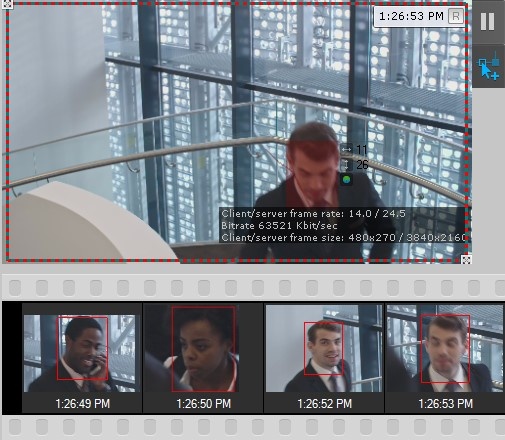
After an event finishes, the Finished caption is displayed below the frame in the event feed.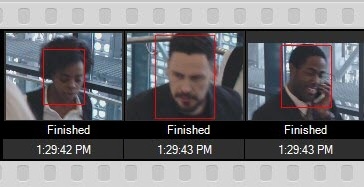
Checking events of a detector is complete.
Overview
Content Tools