
Go to documentation repository
Previous page Next page
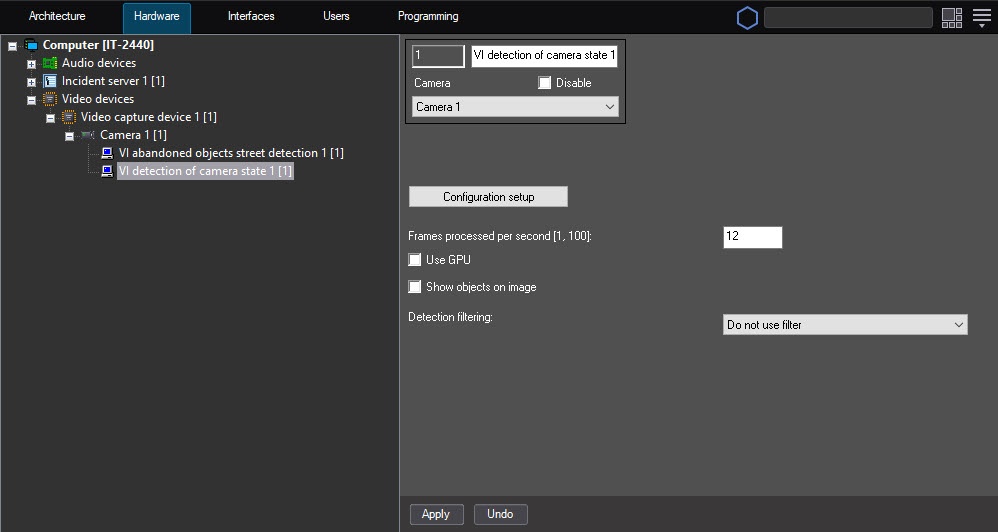
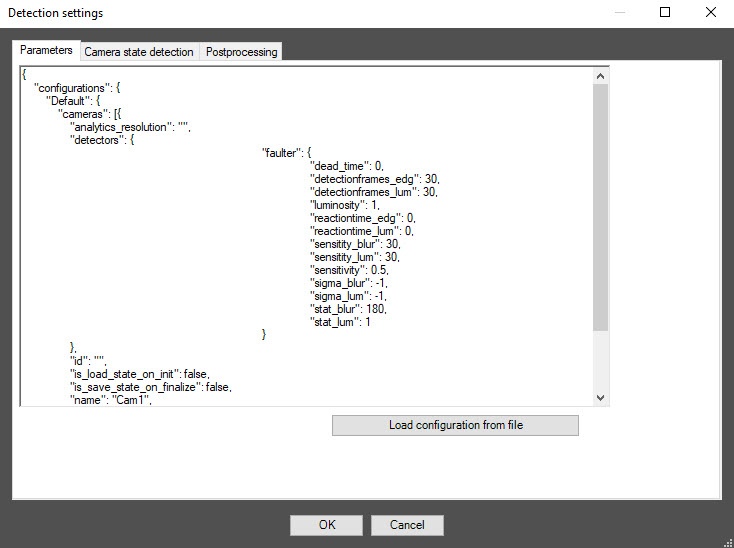
Configuration of the VI detection of camera state module includes general settings and configuration settings: configuration parameters and detector characteristics.
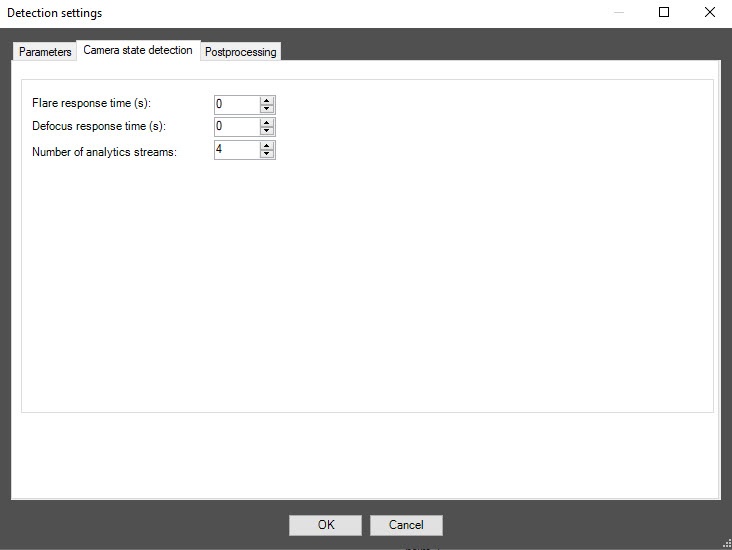
In the Flare response time (s) field, specify the time interval in seconds after which the detector signals whether the video surveillance scene is backlighted or darkened.
In the Defocus response time (s) field, specify the time interval in seconds after which the detector signals that the video surveillance scene is defocused.
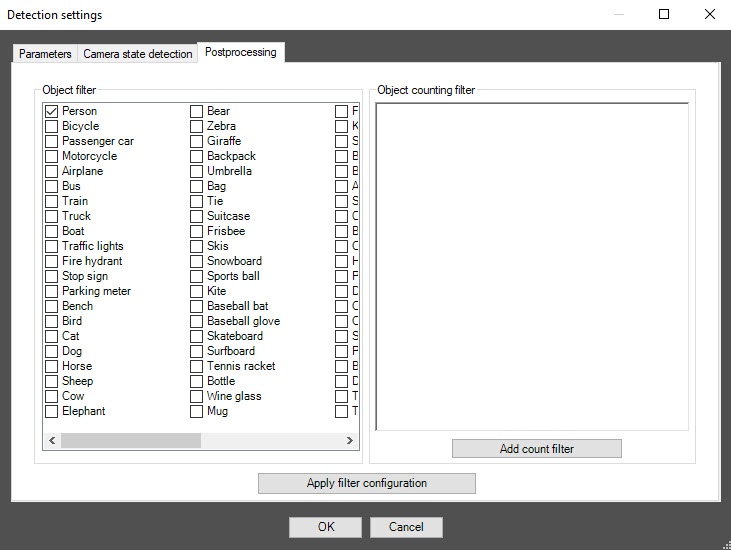
You can use this tab to configure object filters or object counting filters according to the option selected from the Detection filtering drop-down list in the basic settings of the detector.
Note
To remove the filter, click it again.
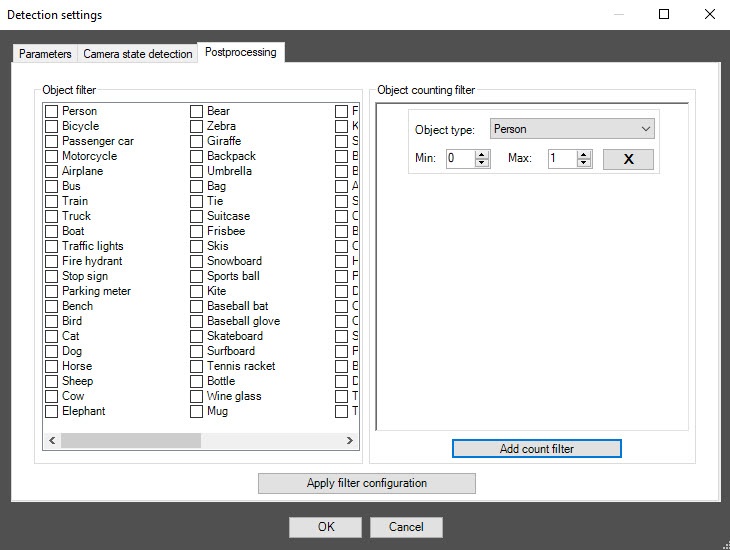
Note
To remove the filter, click the cross to the right of it.
Click the OK button to save all settings of the detector. The Detection settings window closes, and you return to the detector settings panel.
To save all changes, click the Apply button on the settings panel of the VI detection of camera state object.
Note
One detector can use only one of two event filtering options during operation: either the object filter or the object counting filter.
To enable debug logging mode in the VI SDK and collect detailed information about the configuration of VI detectors, use the ViDetectorDebug=1 parameter of the HKEY_LOCAL_MACHINE\SOFTWARE\AxxonSoft\PSIM\DetectorExt registry (for more details, see the registry key reference guide in Vertical solutions; for information on working with the registry, see Working with Windows OS registry).
To use the asynchronous hardware decoder and reduce CPU load, set the Use decoder NGP (GPU+CPU) checkbox on the settings panel of the camera (see Enable asynchronous hardware decoder NGP (GPU+CPU)). Then click the Apply button on the settings panel of the detector. Video decoding is now performed using the GPU (for more information, see Asynchronous hardware decoder NGP).
Configuring the VI detection of camera state module is complete.

