
Go to documentation repository

Documentation for Intellect 4.11.0-4.11.3. Documentation for other versions of Intellect is available too.
Previous page Next page

To arm a microphone, select it in the microphone list and click  .
.
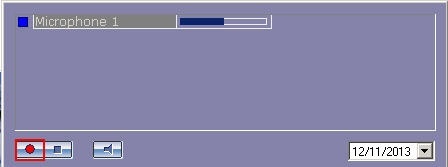
If the signal strength of the microphone, while being armed, exceeds the threshold, recording will start. Otherwise, the microphone will be armed, and recording will start, when the pre-defined threshold level of the microphone is exceeded. The current status of the recording process is indicated by the microphone indicator (see the Recordings indication section).
Overview
Content Tools