
Go to documentation repository

Documentation for Intellect 4.11.0-4.11.3. Documentation for other versions of Intellect is available too.
Previous page Next page

To start recordings via a microphone, select it in the microphone list and click  .
.
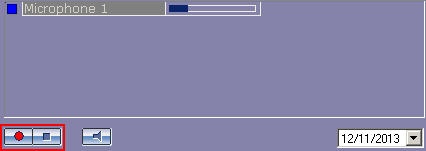
The microphone indicator becomes red to show that recording has started.

To stop the recording, press  .
.
Note.
The  buttons control recordings through the microphone, initiated both by the Operator's command and by acoustic start. Selection of the recording mode depends on the program settings.
Overview
Content Tools