
Go to documentation repository
Documentation for Axxon One 2.0 version. Documentation for Axxon One 3.0 version is also available.

To exclude the Server currently connected to the activation utility from an domain, perform the following steps:
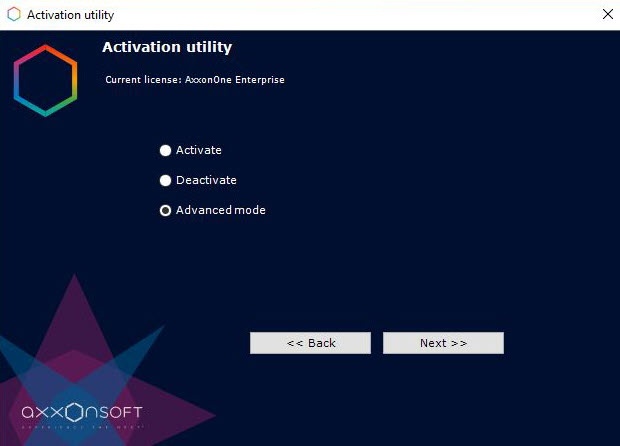
- On the main page of the activation utility select Advanced mode and click Next.
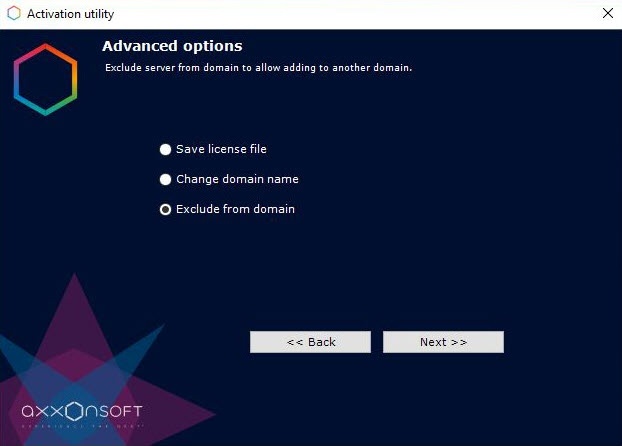
- Select Exclude from domain and click Next.
If the operation completes successfully, a notification message will appear.
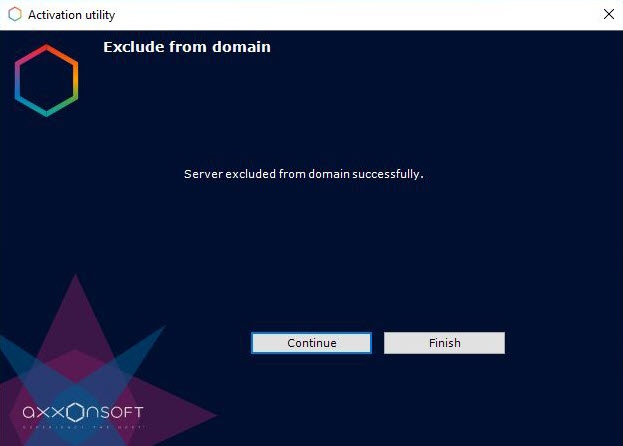
The Server has been excluded from the domain.
Note
To return to the Home page of the activation utility, click Continue, to exit it − click Finish.
Overview
Content Tools