
Go to documentation repository
Previous page Next page
To assign a role to a user:
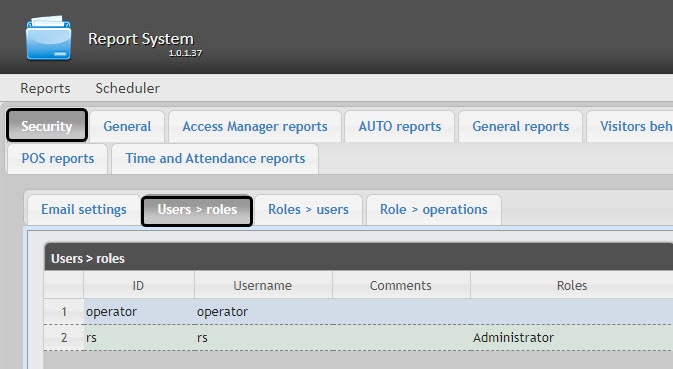
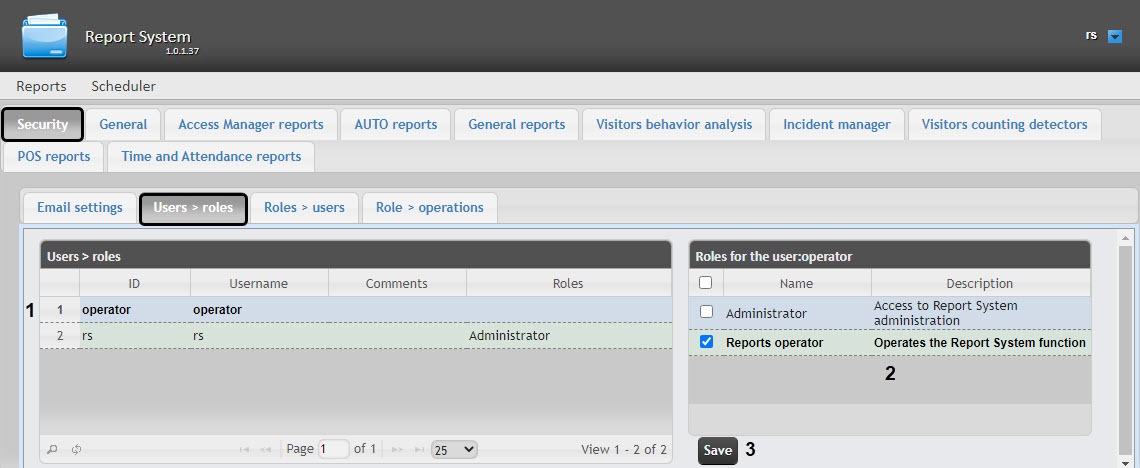
Set or clear the required checkboxes to change the list of roles assigned to the user.
Note
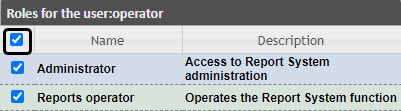
To assign all possible roles to a user, set the checkbox in the table head next to the Name field.
Click the Save button (3).
Assigning roles to a user is complete.

