
Go to documentation repository


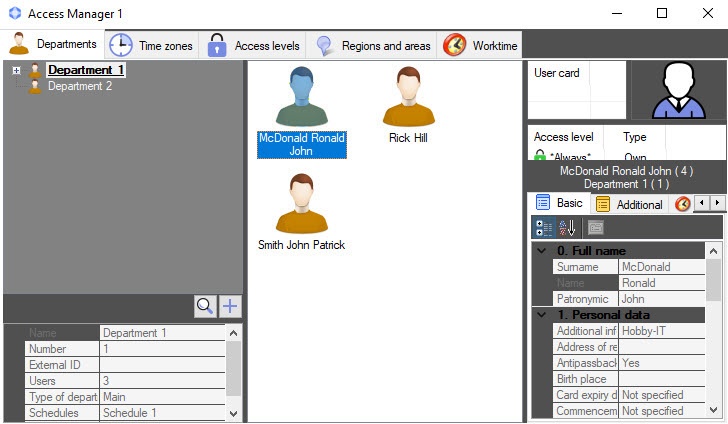
General view of the Access Manager interface window is shown in the figure.
Note
- If the position of the window on the screen is fixed, the title bar of the Access Manager window isn't displayed—see the Configuring the position of the Access manager window on the screen.
- To add the Worktime tab to the Access Manager interface window, first you need to connect this subsystem: create the Worktime support object on the basis of the Access Manager object on the Interfaces tab of the System settings window (see Configuring the Worktime subsystem).
The Access Manager window contains the following tabs:
For the description of each tab, see the sections below.
Overview
Content Tools