
Go to documentation repository
Documentation for Axxon One 3.0/3.1 version. Documentation for Axxon One 2.0 version is also available.

Archive mode provides the automatic saving, storing, and managing of video recordings from cameras during the set period of time (see Data storage).
Attention!
- If a camera isn't linked to an archive and has no embedded storage (see Embedded storage), this tab isn't available.
- When you use the embedded storage, you can switch to the Archive mode only after the storage is loaded (the icon of the embedded storage in the objects tree on the Devices tab becomes green).
- If a camera is in the archive mode and a video is paused, then when you change to a new camera, the current archive settings and the playback status are saved.
When you switch to the Archive mode for the first time, the latest recording is selected on the timeline (see The Timeline). Next time you switch to the Archive mode of any camera, the timeline pointer is located at the latest position used.
To switch to the archive mode for one camera, do the following:
- Select the required layout on the layouts panel (see Configuration of layouts).
- Select the required camera.
- Click the Archive button located in the lower right corner of the surveillance window.
- Click the Timeline panel button (see Displaying and hiding the archive navigation panel). To switch back to the live mode, click the Live button.
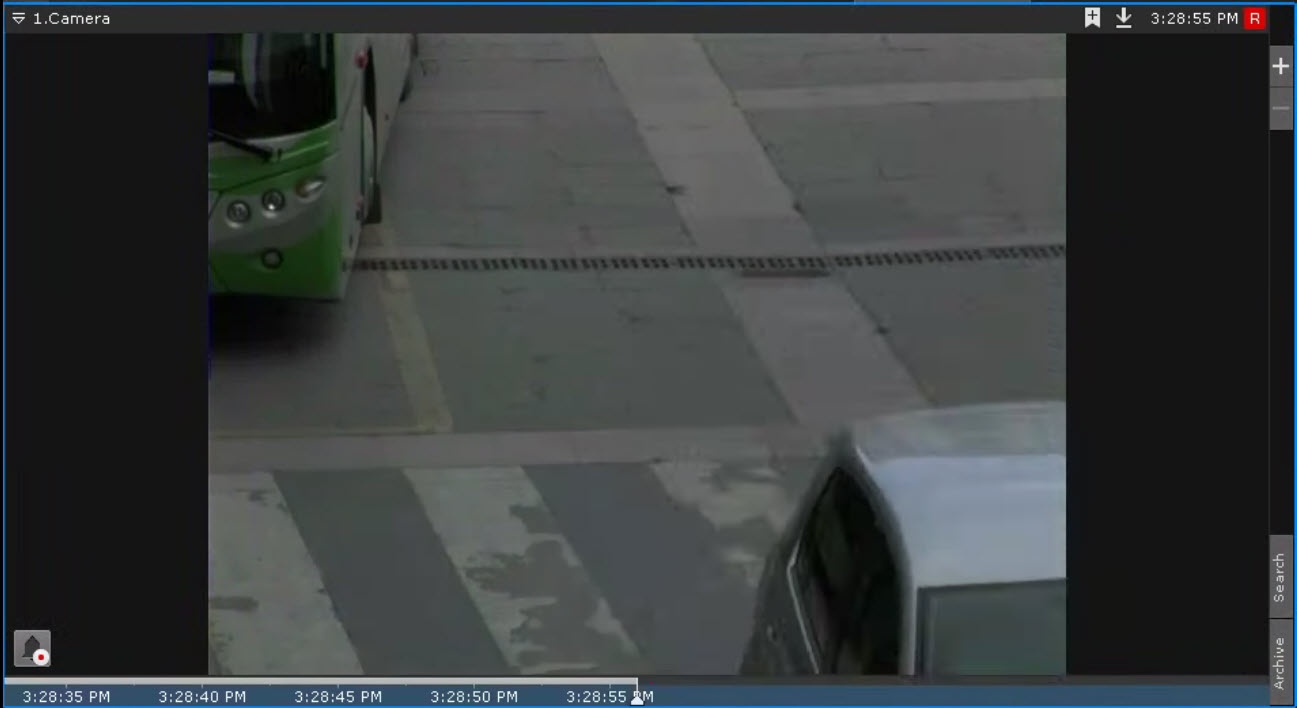
To switch all cameras to the archive mode, do the following:
- Go to the layout (see Configuration of layouts).
- Click the Archive button located on the top panel.

- Click the Timeline panel button (see Displaying and hiding the archive navigation panel). To switch back to the live mode, click the Live button.
You can also switch from the live mode to the Archive mode using the advanced archive navigation panel (see Advanced archive navigation panel).
Note
- If the surveillance window is inactive in the live mode, the tabs for switching to other modes, as well as the advanced archive navigation panel, aren't displayed. To display them, you must click any mouse button in the surveillance window (see Surveillance window).
- If you select the Archive mode as the default surveillance mode on any layout for a camera, then when you switch to this layout, the camera immediately turns to the archive mode (see Select the default video mode for a camera).
- If you want to always open the latest recording when switching to the archive, you must create the ResetArchivePosition key on the client in the HKEY_LOCAL_MACHINE\SOFTWARE\AxxonSoft registry key.
Overview
Content Tools