
Go to documentation repository

Documentation for Axxon PSIM 2.0. Documentation for other versions of Axxon PSIM is available too.
Previous page Next page

On the page:
Purpose
Panoramic video surveillance window is used for creating and viewing the panoramic video image. Panoramic video surveillance window is divided into two parts: the video surveillance control panel and the video display field.
Functions
The panoramic video surveillance window has the following modes of image processing:
- Movement of video image in the surveillance windows.
- Perspective correction.
- Restoration of video image to specified proportions.
- Rotation.
- Cropping borders.
- Zoom in/Zoom out on the video image.
Interface description
The inteface of the panoramic video surveillance window (the Scene object) is shown in the figure.
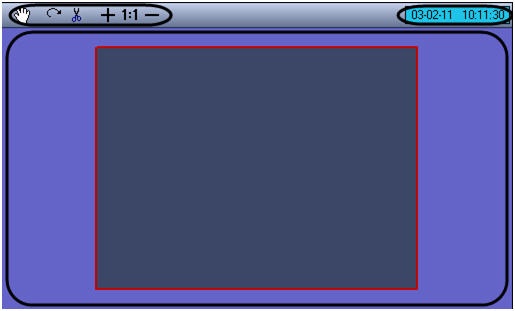
Panoramic video surveillance window consists of the field for displaying the surveillance windows and the toolbar with the following elements:
- The
 buttons are used to process video images.
 - The
 field displays the current date and time.
Overview
Content Tools