
Go to documentation repository
Previous page Next page
Columns of the Search results table are displayed according to the settings configured in the Configure fields dialog window (see Configuring the events search).
The description of the column content is given in the same section of the guide.
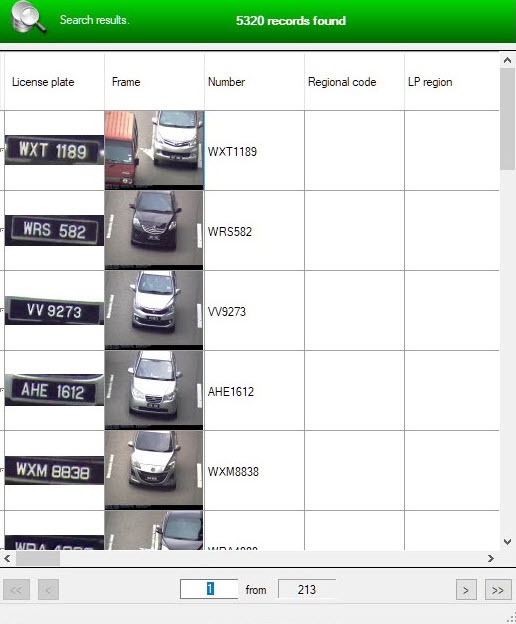
To navigate in the results table, use the following interface elements:
 —go to the first page of the table.
 —go to the previous page of the table.
 —go to the required page of the table.
 —the number of pages in the table.
 —go to the next page of the table.
 —go to the last page of the table.
Note.
To go to the required page, enter its number in the field  , and then press Enter on the keyboard.
If the search results only show recognized license plates, but there are no photos from cameras, launch the command prompt as administrator and enter the command netsh http add urlacl url=http://+:10001/ user=Users. Immediately after you enter the command, photos from cameras begin to appear in the search results table in the recognizer database for any user using Auto PSIM (see OS settings for correct operation of remote administrator’s workstation or server).
You can print or export the search results as a report (see Printing the search results report), as well as export to a JPG file (see Exporting the search results to JPG files).
You can sort the search results within a page by clicking the corresponding column.
You can sort the search results by date on all pages by clicking the Date column.

