
Go to documentation repository

Documentation for Axxon PSIM 2.0. Documentation for other versions of Axxon PSIM is available too.
Previous page Next page

On the page:
Purpose
The Captions search interface object is used to perform user search queries in the caption database.
Functions
Caption search has the following functions:
- Search in the caption database.
- View search results.
- Print the search results.
Interface description
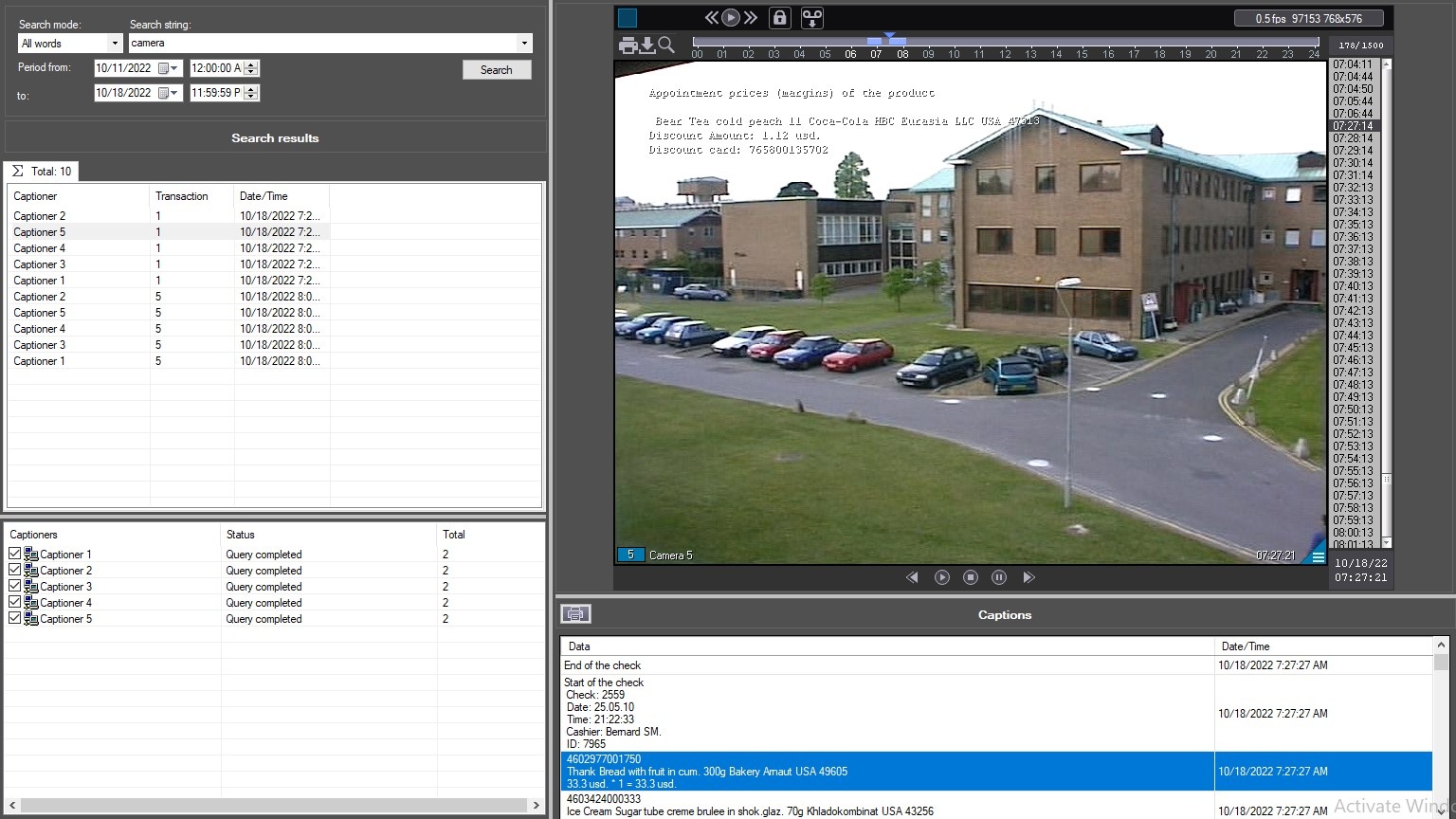
The figure shows the interface of the Captions search window.
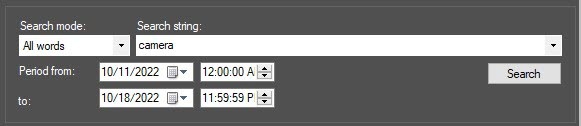
In the upper left part of the window, you can specify the string to search for and the search time interval.
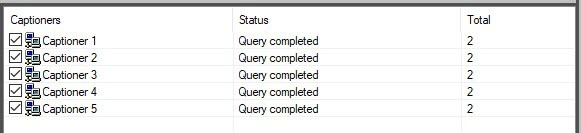
In the lower left part of the window, you can select captioners whose captions you want to find.
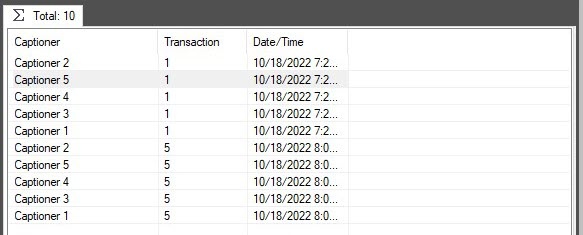
In the search results area, you can select captioners to view search results.
Below the video display area, there is the  button that you can use to print out search results.
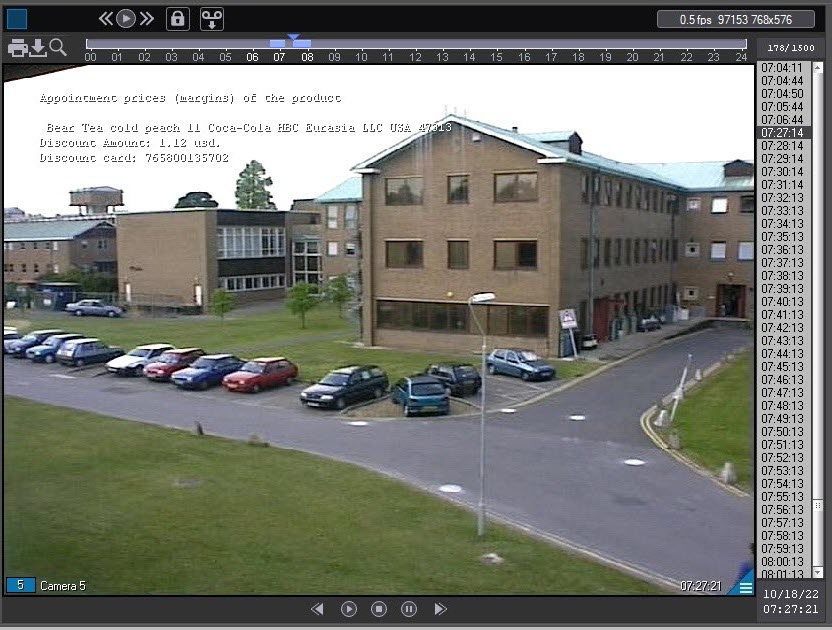
On the right, there are areas that display search results and videos that match them.

Overview
Content Tools