

Documentation for AxxonSoft Mobile Clients.

The sensor icon on the map indicates its current state:
Icon | State |
|---|---|
| Sensor is disabled in the System |
| Lost communication with sensor |
| Sensor off |
| Sensor on |


To control the sensor from the map, click on its icon, and a context menu will open:
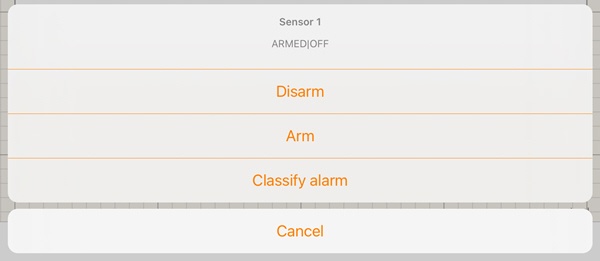
Select a command to perform a required action (for details, see Operations with sensors).
Overview
Content Tools