
Go to documentation repository

Documentation for Axxon PSIM 2.0. Documentation for other versions of Axxon PSIM is available too.
Previous page Next page

Note
You can delete videos from the archive when:
- At least one user is created and added to the rights in Axxon PSIM.
- The user who started Axxon PSIM has the right to delete files from the archive.
To delete a video from the archive, do the following:
- Go to the archive on the selected camera.
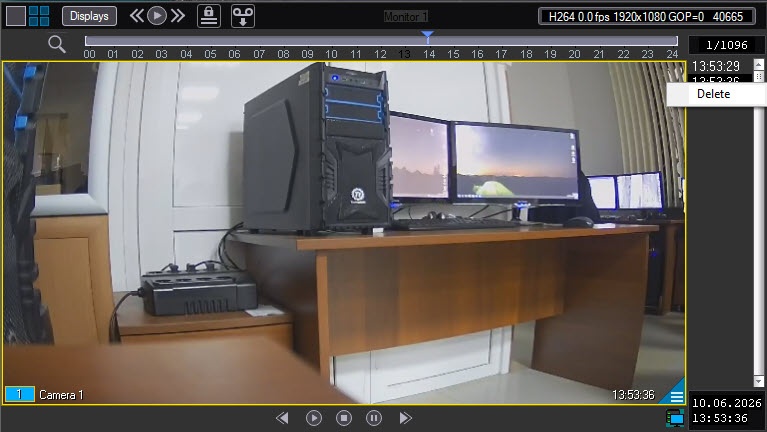
Right-click the video that you want to delete.
Note
You can select several videos using the Ctrl or Shift keys by left-clicking the videos.
- Select Delete.
Note
You can also delete a video using a script or command (see CAM Camera).
A video is now deleted from the archive.
Overview
Content Tools