
Go to documentation repository
...
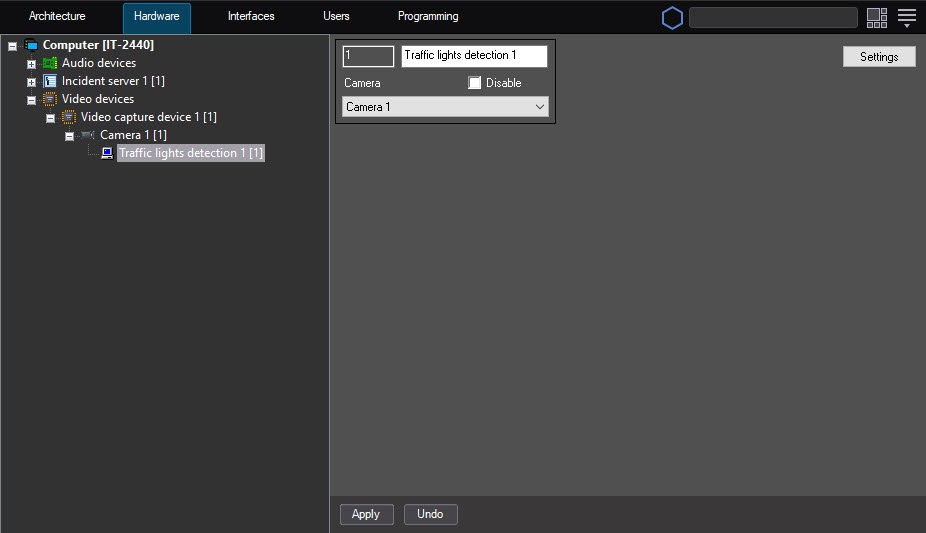
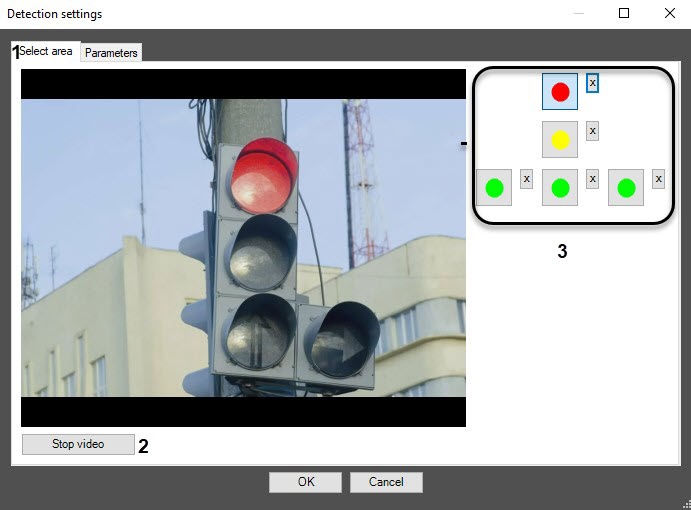
Click the Stop video button to capture the frame of the video image (2).
Do the following actions for each traffic light signal:
Click the button with this signal (3).
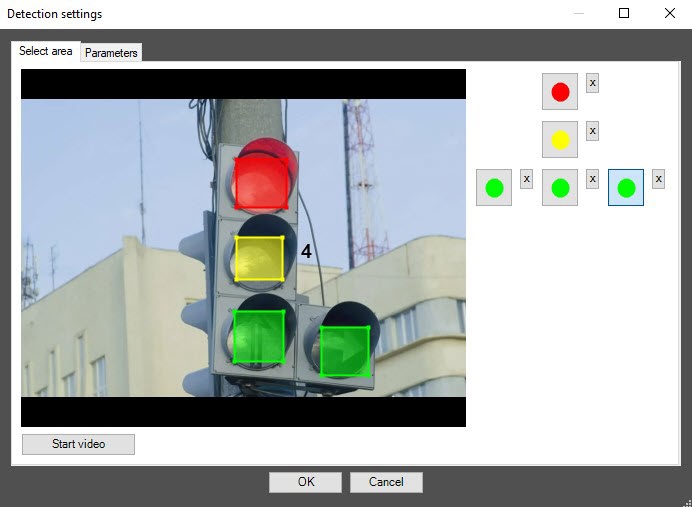
Specify the area of the given traffic signal on the captured video frame. To do this, click the left mouse button on the video frame, and while holding it, move the cursor.
| Info | ||
|---|---|---|
| ||
To remove the area, click the |
| Info | ||
|---|---|---|
| ||
To return to the settings panel of the Traffic lights detection object without saving the changes, click the Cancel button. |
...


