Unable to render embedded object: File (books.jpg) not found.
Go to documentation repository
Documentation for ATM Intellect 10.0. Documentation for other versions of Intellect is [available too].
Previous page Next page

To install the ATM Event Capture utility, do the following:
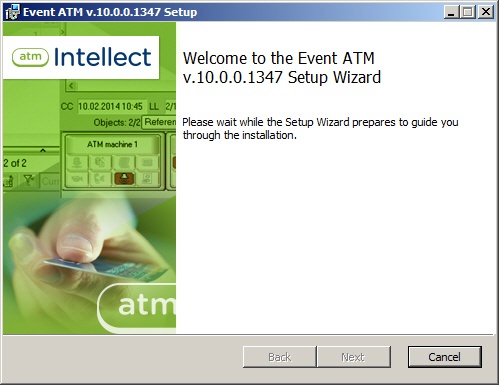
- To start installation from the installation kit, start the file setupEventATM.exe. After you select a language for installation, the installation wizard informs that the installation process has begun.
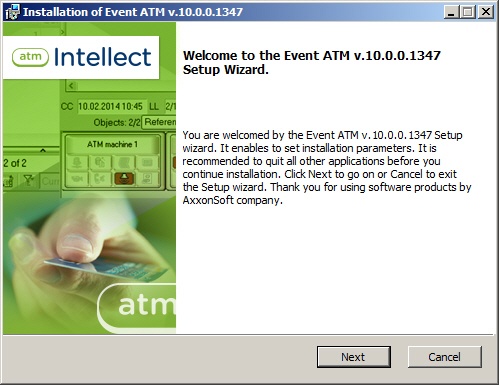
- You are prompted to start installation. Click the Next button.
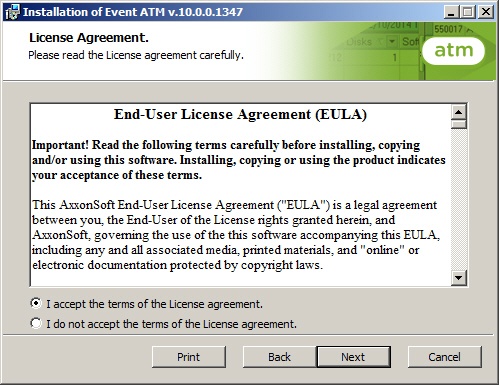
- In the License agreement window read the terms of the End-User License Agreement . Set the switch into the I accept the terms in the license agreement position and press Next.
- In the wizard page that appears, specify the path to the folder in which the software will be installed.
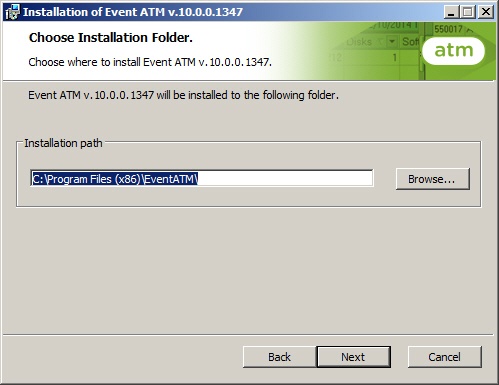
If you do not want to use the default folder, click the Change... button and specify another folder. Otherwise, click the Next button.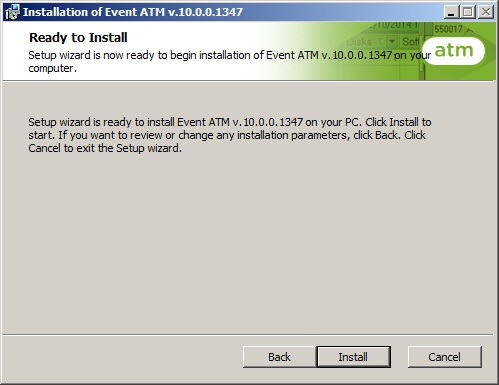
- The necessary libraries will be installed.
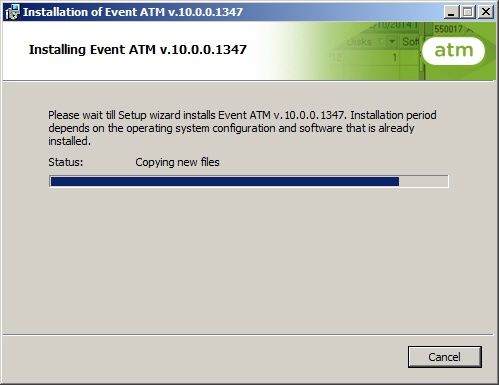
- After libraries are installed, the ATM Event Capture utility is installed.
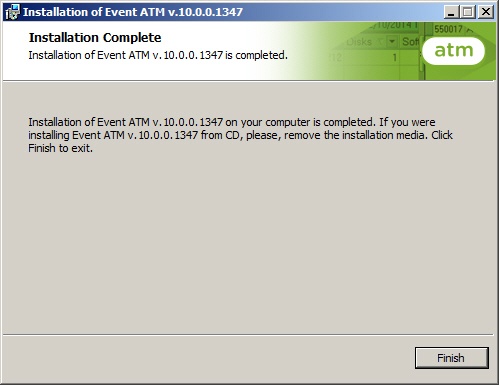
- After final installation tasks are completed, the wizard informs that the software has been successfully installed.
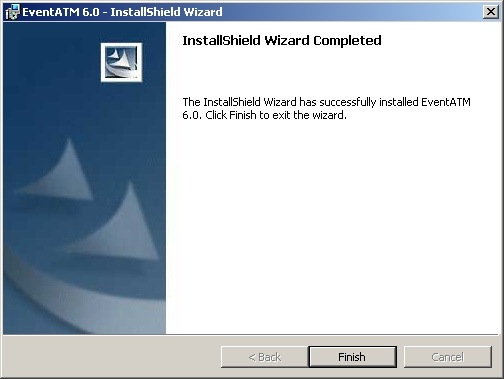
ATM Event Capture installation is completed.
Overview
Content Tools