
Go to documentation repository


Configure the Sensor object corresponding to the call button on a SIP device as follows:
- Create a Sensor object under the Video capture device object corresponding to a SIP device.
- Go to the settings panel of the created object.
- Set the alarm at switch on mode by setting the corresponding radiobutton selected (1).
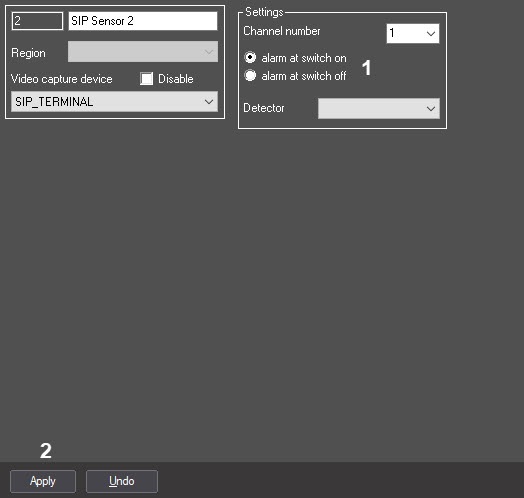
- Click the Apply button to save the changes (2).
The Sensor object corresponding to the call button on a SIP device is now configured.
Overview
Content Tools