Go to documentation repository
Previous page Next page
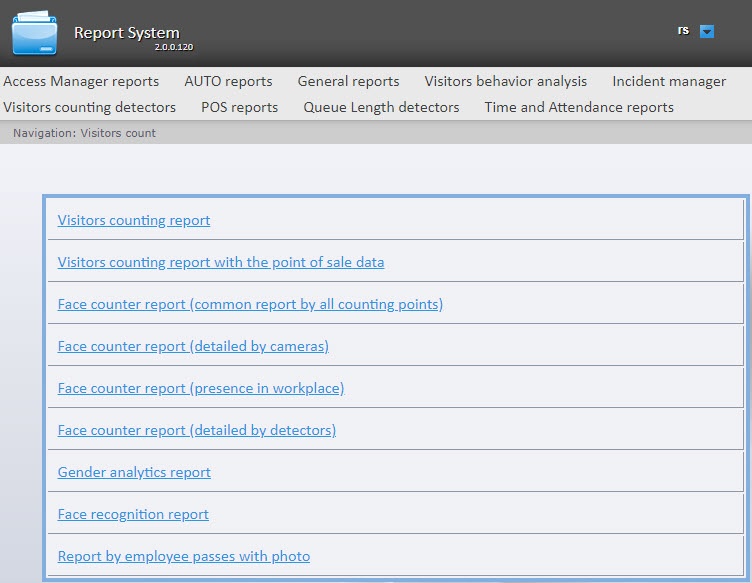
To select the type of visitors counting detectors reports, click the Visitors counting detectors link in the report menu of the WEB Report System PSIM.
As a result, the list of available reports is displayed. To go to the required report, click the corresponding link.
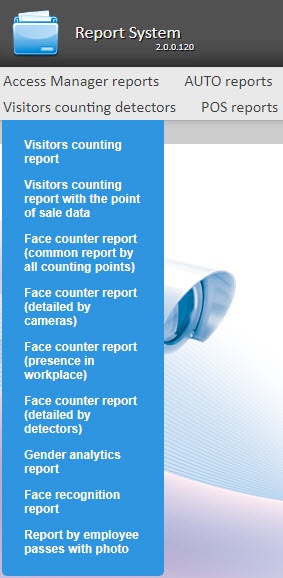
A list of links to go to the visitors counting detectors reports is also available when you hover over the Visitors counting detectors link in the report menu.