You are viewing an old version of this page. View the current version.
Compare with Current
View Page History
Version 1
Next »
To configure the general settings of the Access Manager reports:
- Go to the Access Manager reports tab → Settings.
- In the Rows amount in partial report field, if necessary, change the maximum number of rows in the partial report on user passages. The default value is 10000.
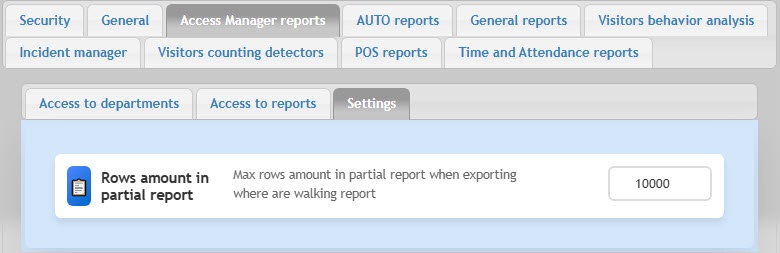
The general settings of the Access Manager reports are complete.


