
Documentation for WEB Report System PSIM 1.0.1.

Previous page Next page

To configure the general settings of the Access Manager reports:
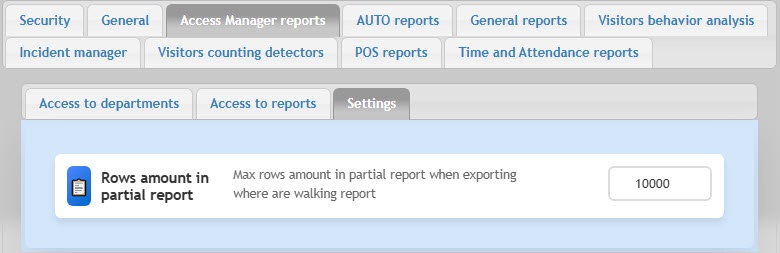
  1. Go to the Access Manager reports tab → Settings.
  2. In the Rows amount in partial report field, if necessary, change the maximum number of rows in the partial report on employee passes. The default value is 10000. If the number of rows in the report is greater than the specified one, the result is split into several files.

    Attention!

    The recommended number of rows in one report file is no more than 10000. If exceeded, errors can occur.

The general settings of the Access Manager reports are complete.

  • No labels