
Go to documentation repository
Previous page Next page
You can update the procedures stored in the report databases of the WEB Report System PSIM on the General tab → DB update on the administration page.
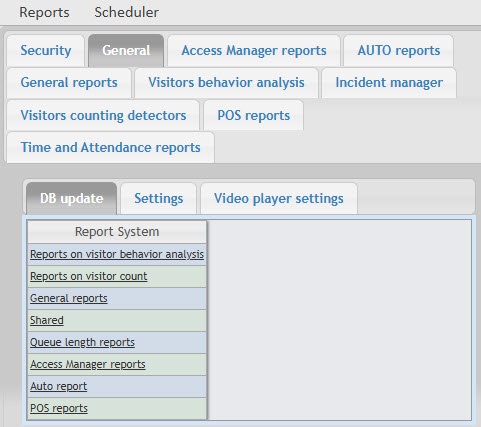
In order to update the procedures stored in the database for a specific type of report, click the corresponding link in the DB update table.
The procedures stored for the Time and Attendance reports and Access Manager reports are contained in a single database. If any of the two modules is missing, it doesn't interfere with the update procedure: the stored procedures of the missing module are not loaded into the database.
Attention!

