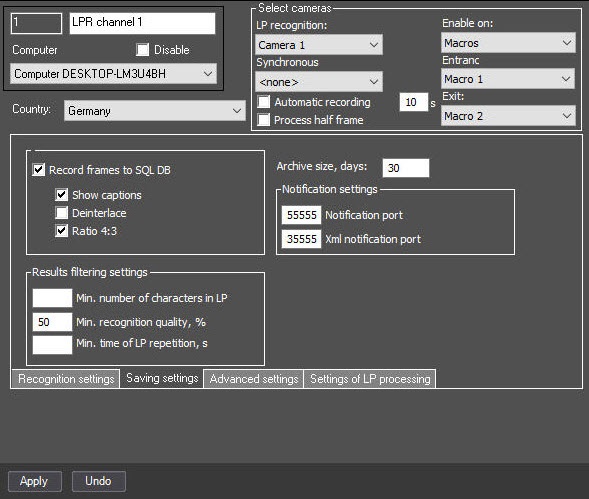
All events that Auto PSIM receives from the LPR channel are stored in the SQL database. Eventually, the SQL database reaches a large size, which leads to the increase in server load. To limit the size of the SQL database, you can specify the archive size in the database.
In this case, when you configure the LPR channel and specify the retention period of the database records that is shorter than it was before, the database gradually cleans itself. If the Debug 4 debugging mode is enabled, then when the SQL database queue reaches 1000 or more queries, the events are generated in the Event viewer every 10 seconds, indicating the current queue until the queue is less than 1000 (for details, see Enable, disable, change the mode of the Debug window). |
To configure the archive size in the database, do the following:
Configuration of archive size in the database is complete.