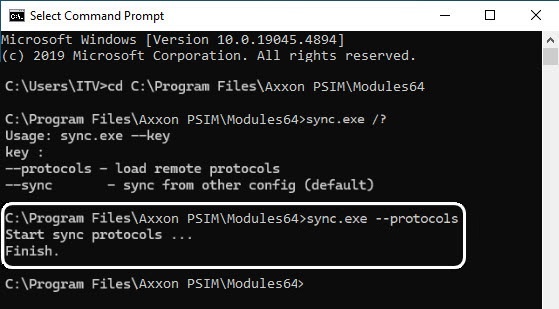
The Sync.exe console utility is used for synchronizing the databases of the server/Remote Administrator Workstation event viewer with the databases of other servers/Remote Administrator Workstations by a command if the automatic synchronization is disabled.
To disable the automatic synchronization, use the settings panel of the Computer object with the Only local protocols checkbox. If you set this checkbox, the automatic synchronization isn't performed, see Configuring event logging.
Before you start synchronizing using the Sync.exe console utility, you must configure synchronization on the settings panel of the Computer object by specifying computers for synchronization and the connection string to the event viewer database, see Configuring the event viewer database synchronization.
Synchronization with computers for which the event transmission is disabled on the Architecture tab isn't performed (see Configuring the interaction of distributed system components). If you set the Send events checkbox but clear the checkboxes of all events, the events that you cannot disable are synchronized (for example, the (SLAVE) core event and macros).
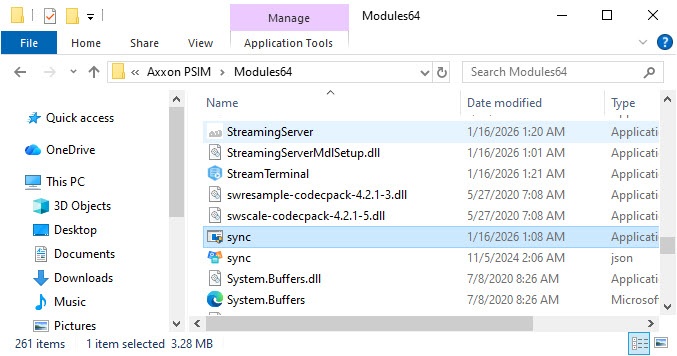
The utility is located in the <Axxon PSIM installation directory>\Modules64\ folder.
For the utility to operate, do the following: