
Go to documentation repository
Documentation for Axxon One 3.0/3.1 version. Documentation for Axxon One 2.0 version is also available.

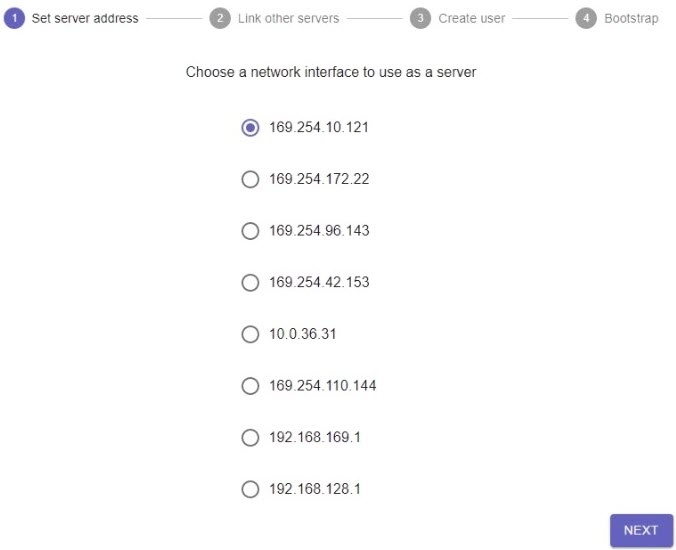
The first time you launch the supervisor, you must initialize the cluster. To do this, do the following:
- Select the server's IP address from the list and click NEXT.
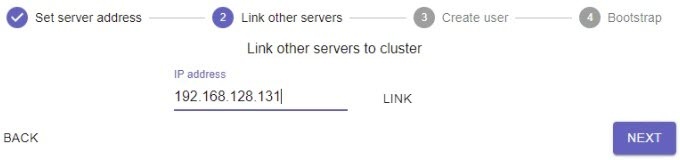
Add the required servers to the cluster. To do this, enter the IP address and click LINK.
Attention!
- All cluster servers must be available to each other.
- You must use servers with the same architecture (x64), OS type, and PostgreSQL version.
- The first three servers added become the manager servers.
- The operation of the cluster is coordinated by its manager servers, which, in particular, take decisions to migrate nodes from one server to another.
- The number of manager servers in the cluster must be either 3 or 5.
- The role of the manager server doesn't affect the configuration and implementation of fault tolerance. Thus, the manager server can be used as a fault-tolerant one (for example, to implement a 2+1 configuration).
- If you add only two servers, they can be configured as 1+1—master + backup server (see 1+1 cluster configuration).
If necessary, you can add a user with administrator privileges (see Set up access to a supervisor). After the cluster is created, only this user will have access to the supervisor. Do the following:
Click the ADD button.
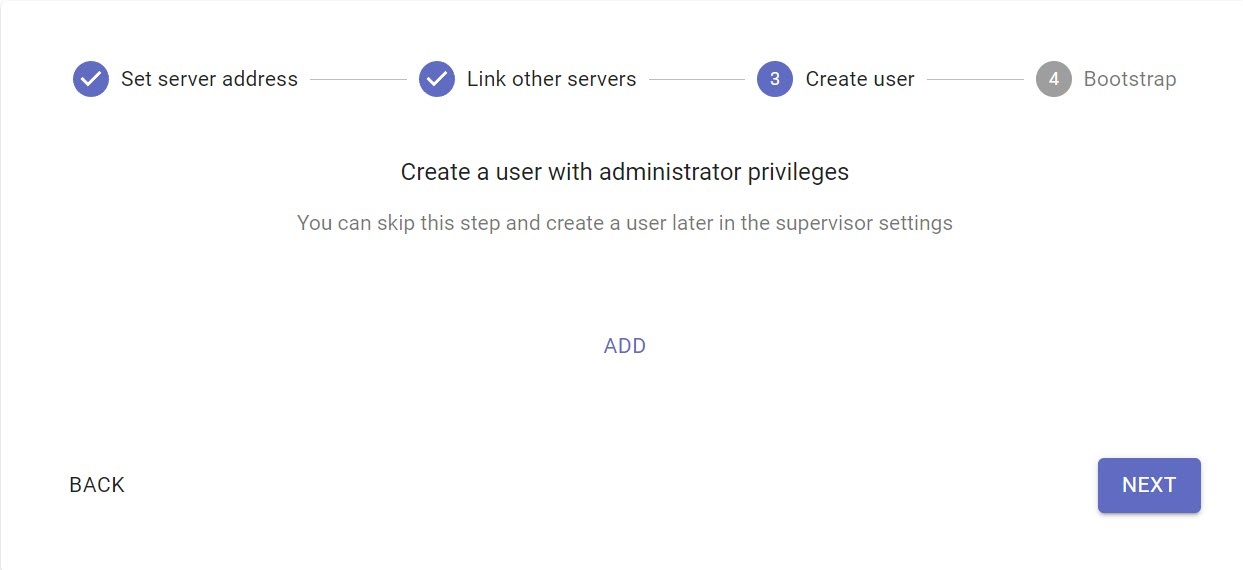
Enter access credentials and click the NEXT button.

After you add all servers, click the INITIALIZE button.
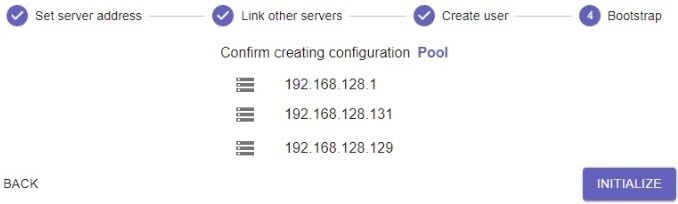
This will initialize the cluster based on the selected servers.
Attention!
- If, during the process of cluster creation, you add the servers that were already added to another cluster, they will be unavailable. If you try to initialize the cluster with unavailable servers, they will be marked red, and the cluster won't be initialized. In this case you must go back to the step of adding the servers and add the available servers.
- If you add servers with different Axxon One versions to the cluster, the following version mismatch notification will appear on the Servers tab—Some versions don't match. Please update!
In this case, for the cluster to work correctly, we recommend updating all servers to the same version of Axxon One. - In case of a network connection loss with a specific server within a cluster, the system initiates the migration of nodes to other servers with an available and stable network. The nodes that are left on servers with limited or absent network connection keep working locally. This allows increasing the cluster's stability and ensures its correct functioning even in conditions of an unstable or partially unavailable network.
To add other servers to the cluster, do the following:
On the Servers tab, click the  button.
- Enter the IP address of the server.
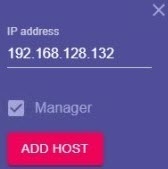
If the server that you add is the manager one, set the corresponding checkbox.
- Click the ADD HOST button.
- Add all required servers.

Note
To remove a server from the cluster, click  and then Remove.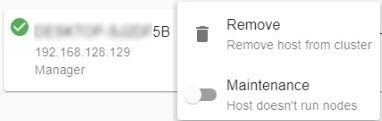
Attention!
If you want to change the IP addresses of the server in the cluster, do the following:
- Remove the server from the cluster.
- Change the IP address of the server.
- Add the server with a new IP address.
Overview
Content Tools