
Go to documentation repository
Documentation for Axxon One 3.0/3.1 version. Documentation for Axxon One 2.0 version is also available.

You can create and configure the map using the regular Axxon One client (see Configuration of maps). In the web client, you can only view the created maps.
There are three modes of viewing the map in the web client:
- Both map and layout.
- Map only.
- Layout only.
The markers displayed in the web client indicate video cameras and transitions to other maps that were previously added in the regular Axxon One client (see Configuration of maps).
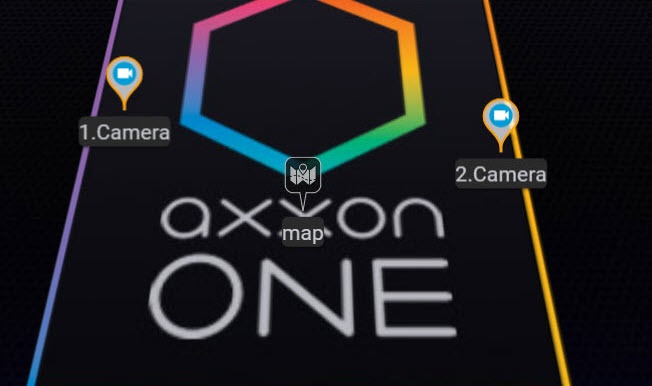
In the web client, you can disable the display of the names of cameras and transitions to other maps that are displayed near the markers. To do this, you need to disable the Show marker names option in the user preferences (see Web-Client configuration).
Overview
Content Tools