
Go to documentation repository

Documentation for Axxon PSIM 2.0. Documentation for other versions of Axxon PSIM is available too.
Previous page Next page

On the page:
Purpose
The HTML interface window is designed for displaying specified web pages or other files, including text and images.
If there is a video displayed or audio played back on the web page, these features are also available in the HTML interface window
Functions
The HTML interface window has the following functions:
- Display of web pages located both locally on your computer and on the internet.
- Display of images and text files.
- Display of video and playback of audio from the displayed web page.
Interface description
The appearance of the HTML interface window depends entirely on the settings (see Administrator's Guide).
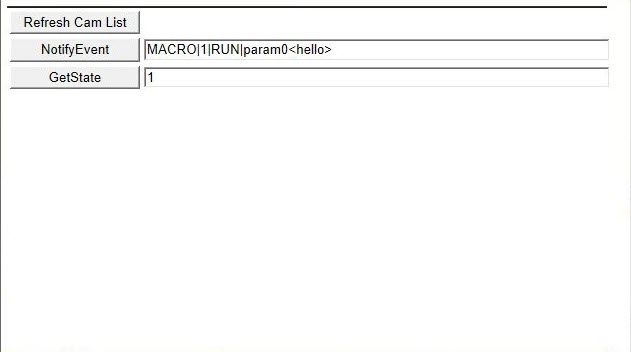
The figure shows the appearance of the HTML interface window, containing the HTML page created by default.
The table describes key combinations available for working with the HTML interface:
Key/Key combination | Performed action |
Backspace | Back |
Alt+left arrow | |
Shift+Backspace | Forward |
Alt+right arrow | |
F5 | Update page |
Ctrl + + or - | Zoom in/Zoom out on the page |
Overview
Content Tools